
Your Client Portal,
Inside Needles
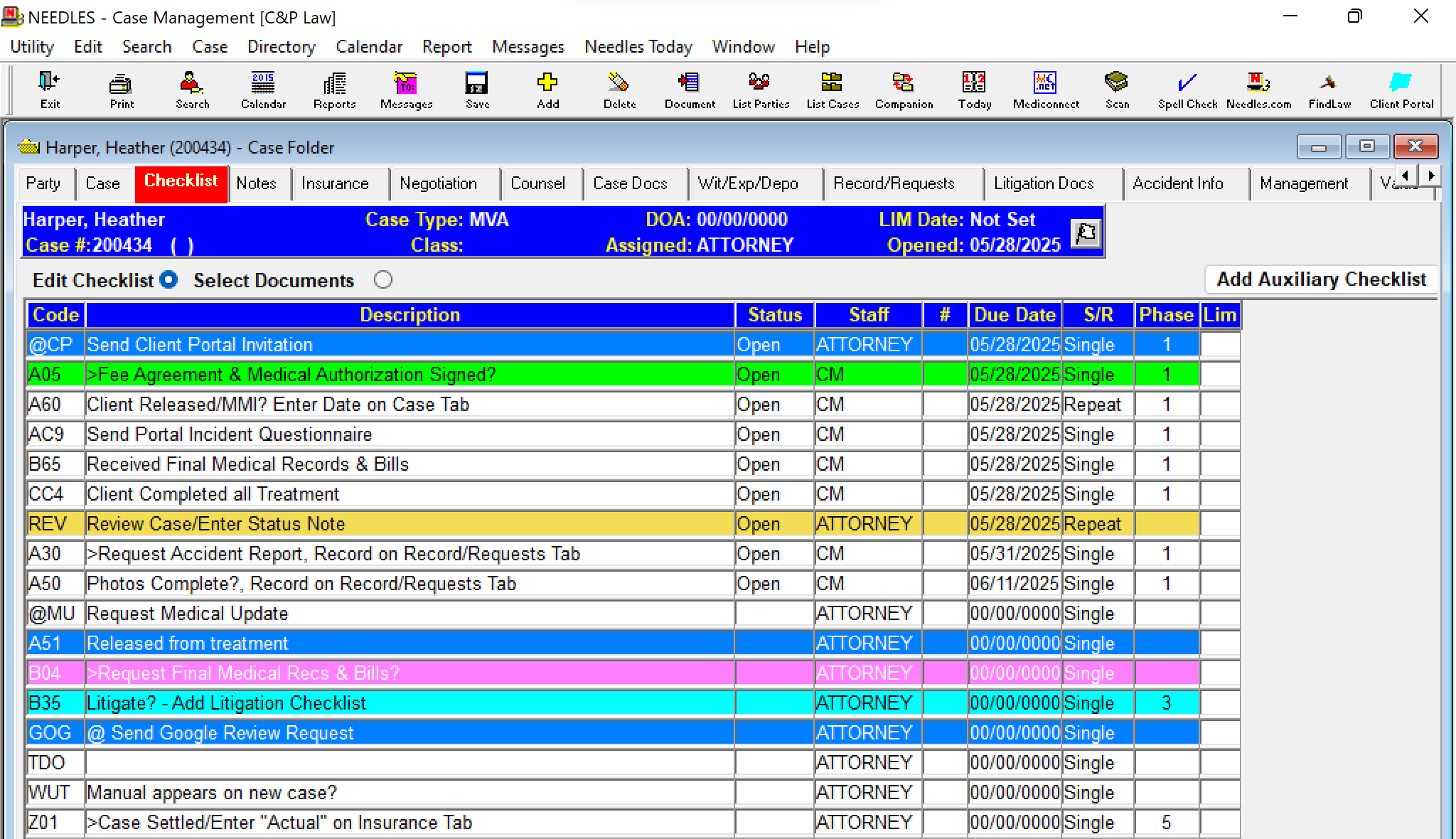
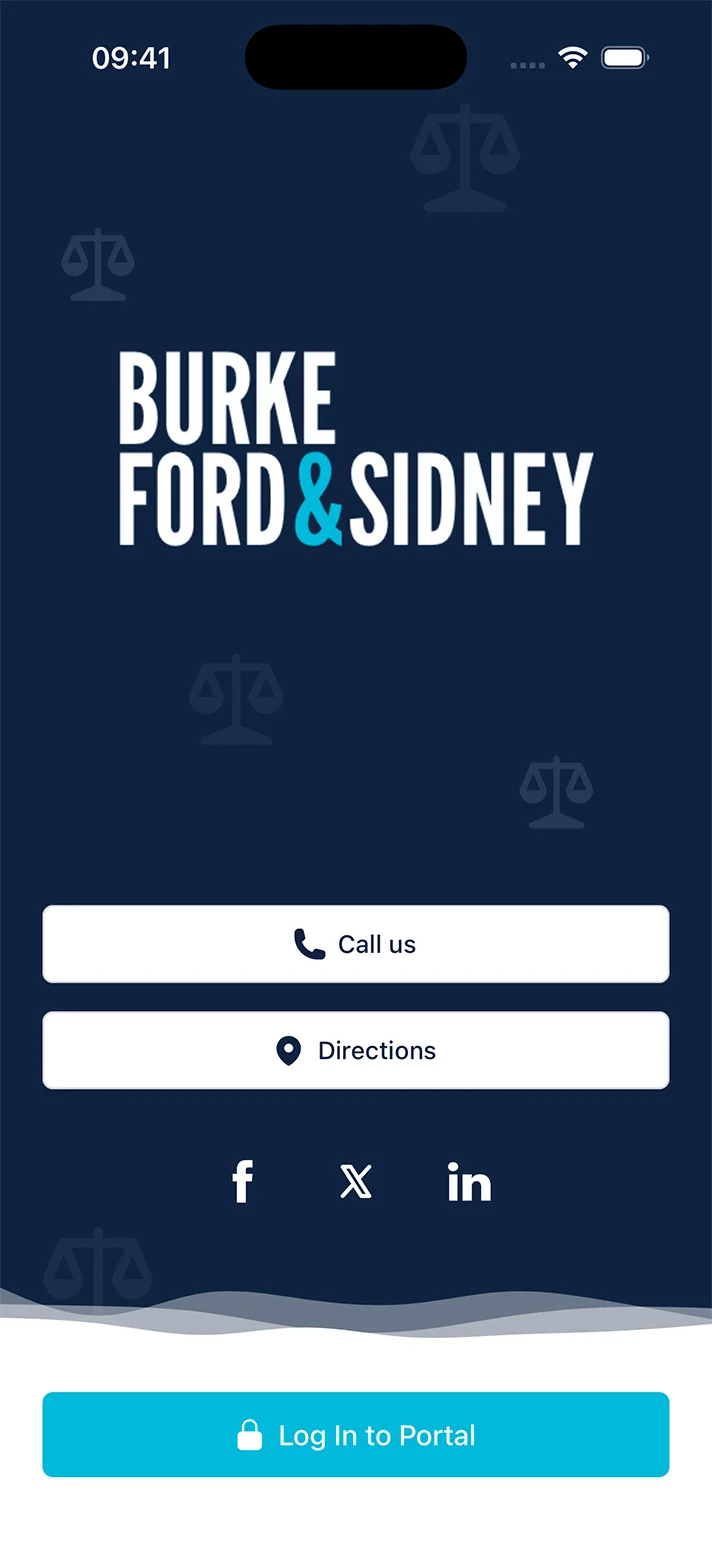
Extend the power of your Needles case management software. Your clients get a branded portal — and every message, file and update lands back in Needles, where your team already works.
- Branded portal & mobile app
- Checklist‑driven updates
- Reply from inside Needles
See the portal the way your clients will
A guided walkthrough of the app — about two minutes, no signup.
Start the walkthrough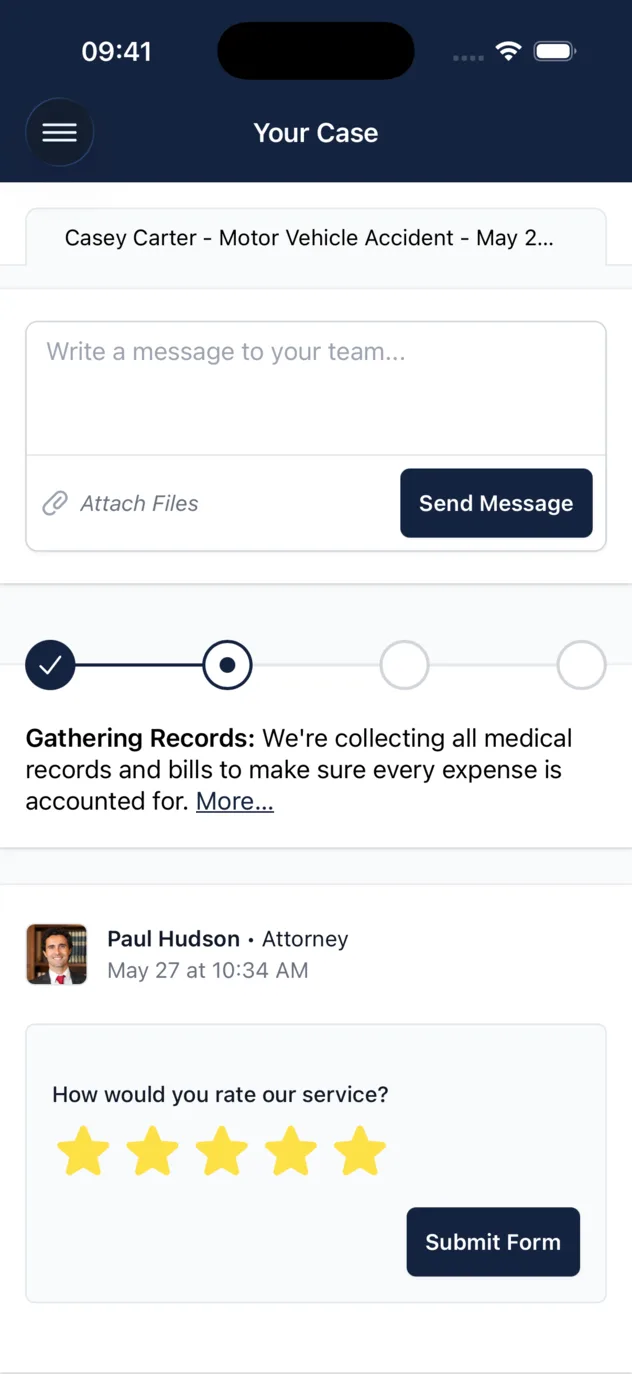
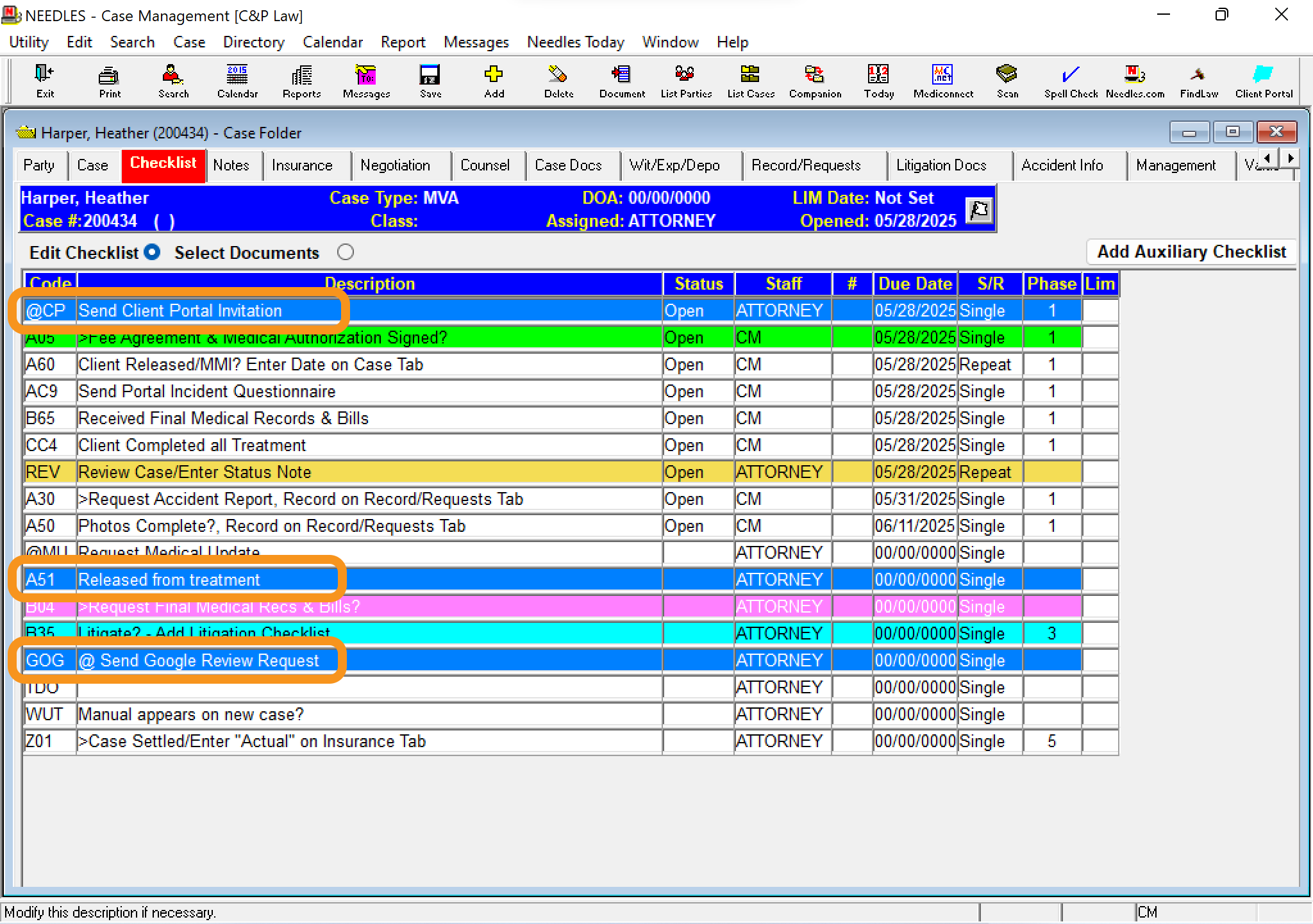
Task-Powered Updates
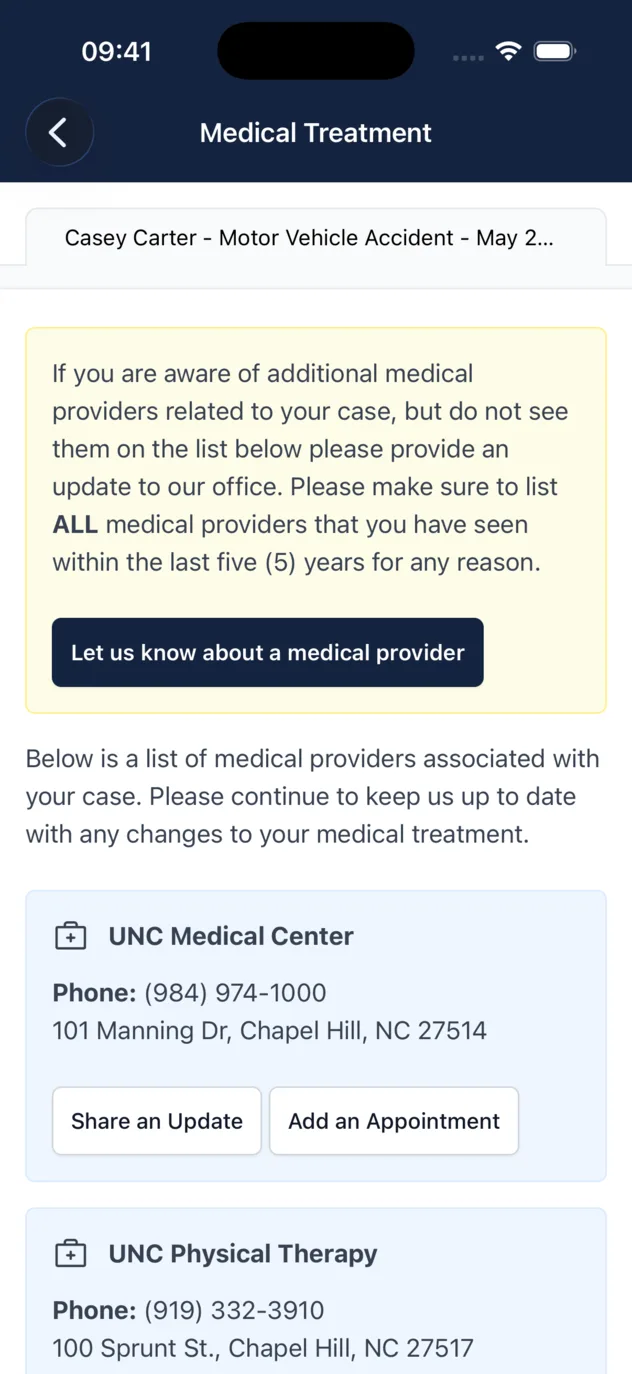
Turn your Needles checklist progress into instant client communication
You’re already managing cases in Needles; why do extra work? Now, completing a task can automatically invite clients or send updates, freeing you to focus on what matters most.
- Effortless Invites.
- Marking a specific task Done in your Needles checklist can automatically send a portal invitation to your client, saving you manual steps.
- Automatic Alerts.
- Configure key checklist items in Needles to trigger automated status updates to your clients through the portal, keeping them informed without extra effort.
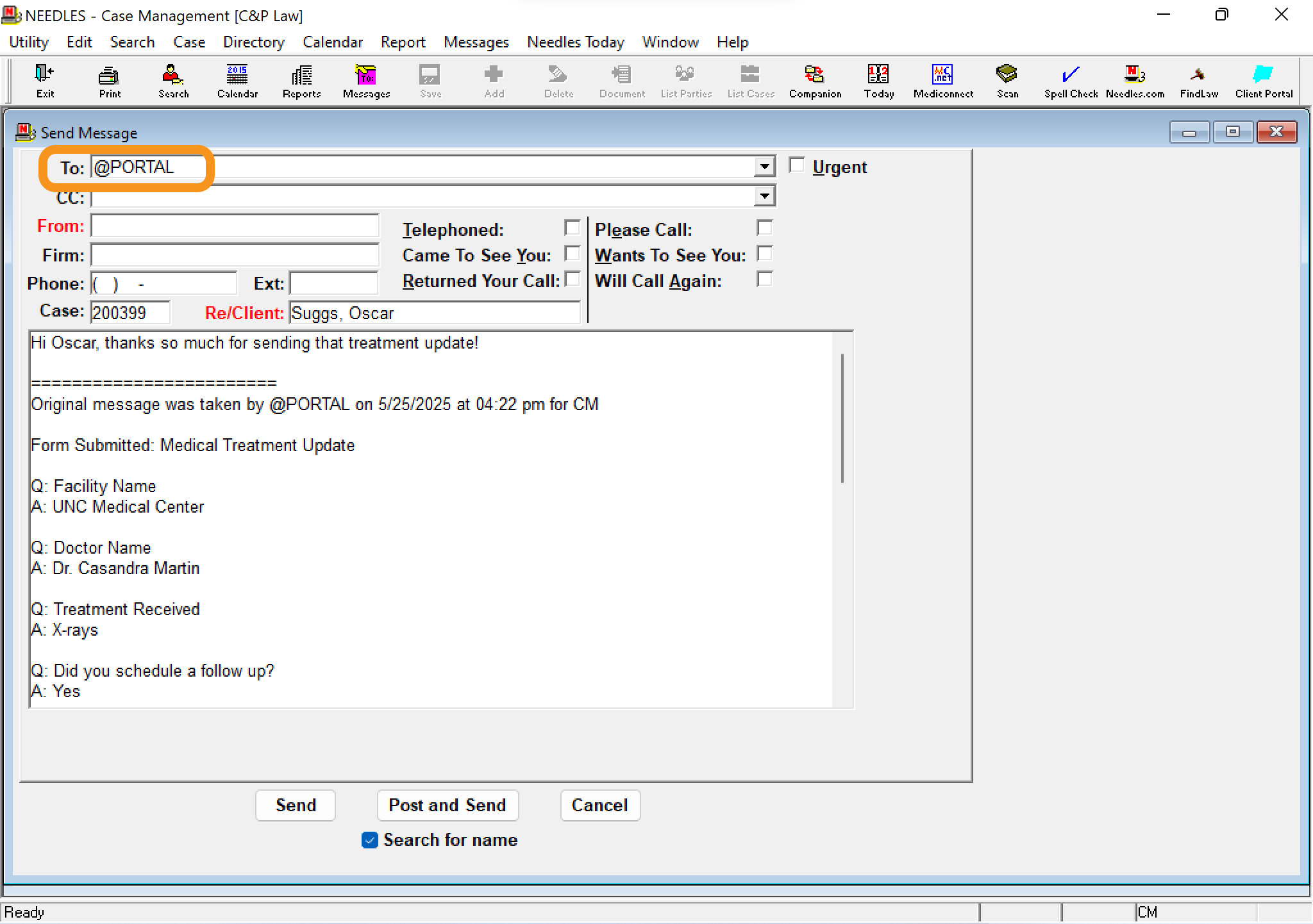
Needles Messaging
Communicate securely with clients without ever leaving Needles
Tired of juggling multiple inboxes? Client messages from the portal appear right in your Needles case management software, and you can reply instantly-no more app switching.
- Unified Inbox.
- Client messages sent via the portal arrive directly into your familiar Needles environment, eliminating the need to monitor a separate messaging platform.
- Reply Faster.
- Respond to client portal messages directly from within Needles, streamlining your communication workflow and ensuring prompt client service.
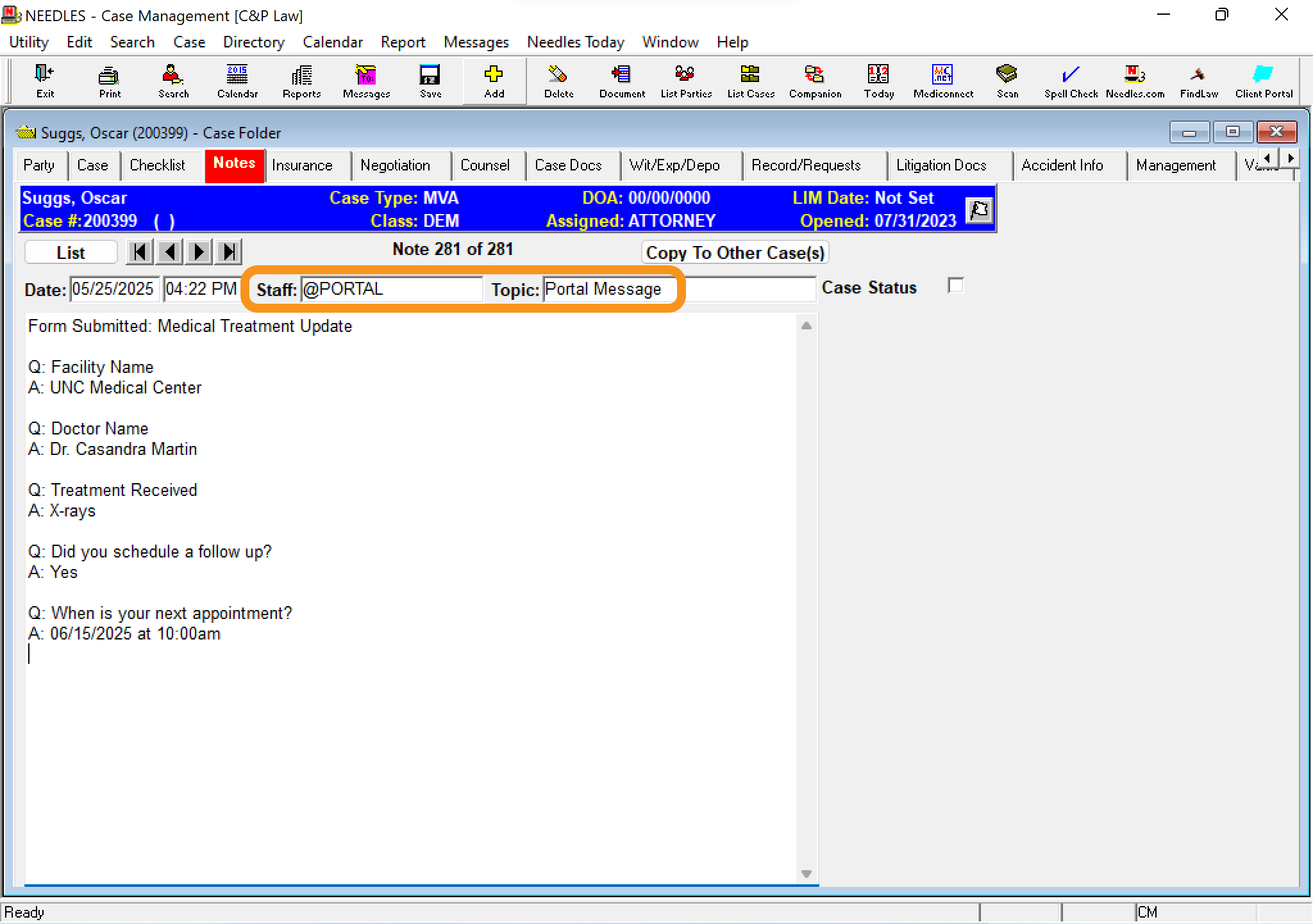
Automatic Case Log
Improve your legal case management by capturing every client interaction in Needles
Stop the endless chase of tracking down client communications. Every message and update through the portal is automatically logged to the Needles case notes, ensuring your record is always complete and up-to-date.
- Complete History.
- Every client message and portal interaction is automatically saved to the corresponding case notes in Needles, creating a comprehensive audit trail.
- Easy Reference.
- Quickly find past client communications within Needles case notes, ensuring all team members are on the same page and have the full context.
True Data Sync
Keep Needles as your firm’s single source of truth, automatically
Our Needles integration keeps client data perfectly in sync. Changed a phone number in Needles? It’s updated in the portal automatically. Say goodbye to discrepancies and managing information in two different places.
- Real-Time Updates.
- Changes made to client contact details or case information in Needles are automatically reflected in the client portal, ensuring data consistency.
- Single Data Entry.
- Update information in Needles once, and trust that it’s accurate everywhere, reducing errors and the time spent on data management.

Frequently asked questions
Have a different question about the Needles integration? Contact us and we’ll be happy to help.
- Does Needles case management software have a client portal?
- While Needles 4 & 5 are powerful desktop systems, they weren’t originally built with a client portal. CasePulse provides a secure, white-labeled law firm client portal that fully integrates with your existing Needles case management software.
- How much does the Needles integration cost?
- Our pricing is based on firm size, not case volume. You can find more details on our Needles integration pricing page and book a demo for a personalized quote.
- Can clients see all of our case information from Needles?
- No. Your team has complete control over what information is shared. The Needles integration is designed to sync only the specific data you choose for the client portal, keeping sensitive case information secure.
- How quickly can we start using the client portal?
- You can be up and running in as little as a week. Our team will work with your schedule to ensure a fast and smooth setup for your law firm client portal.
- Can we send and receive text messages from Needles case management software?
- Yes, with the CasePulse texting add-on for our Needles integration. All text messages are sent and received directly from your Needles system, keeping all client communication in one place.
- How can a client portal work if our Needles system is behind a firewall?
- It’s a unique feature of our Needles integration. With over 20 years of experience working with Needles, our team has perfected a secure method to sync data between your on-premise database and the cloud-based client portal.
- How does this integration handle case updates and notifications?
- Our Needles integration syncs case updates automatically. When you advance the case status or complete key tasks in your legal case management software, clients get instant notifications, keeping them informed without any extra work.
- Will our team need extensive training on a new system?
- Not at all. The CasePulse client portal is designed to work seamlessly within your current workflow. Your team manages all client activity directly from your familiar Needles case management software interface.
Ready to see what else the portal can do with Needles?
Schedule a no-obligation demo and we’ll take a look together and answer any questions.