
Your Client Portal,
Inside LawBase
Extend the power of your LawBase matter management. Your clients get a branded portal — and every message, file and update lands back in LawBase, where your team already works.
- Branded portal & mobile app
- Workflow‑driven updates
- Reply from inside LawBase

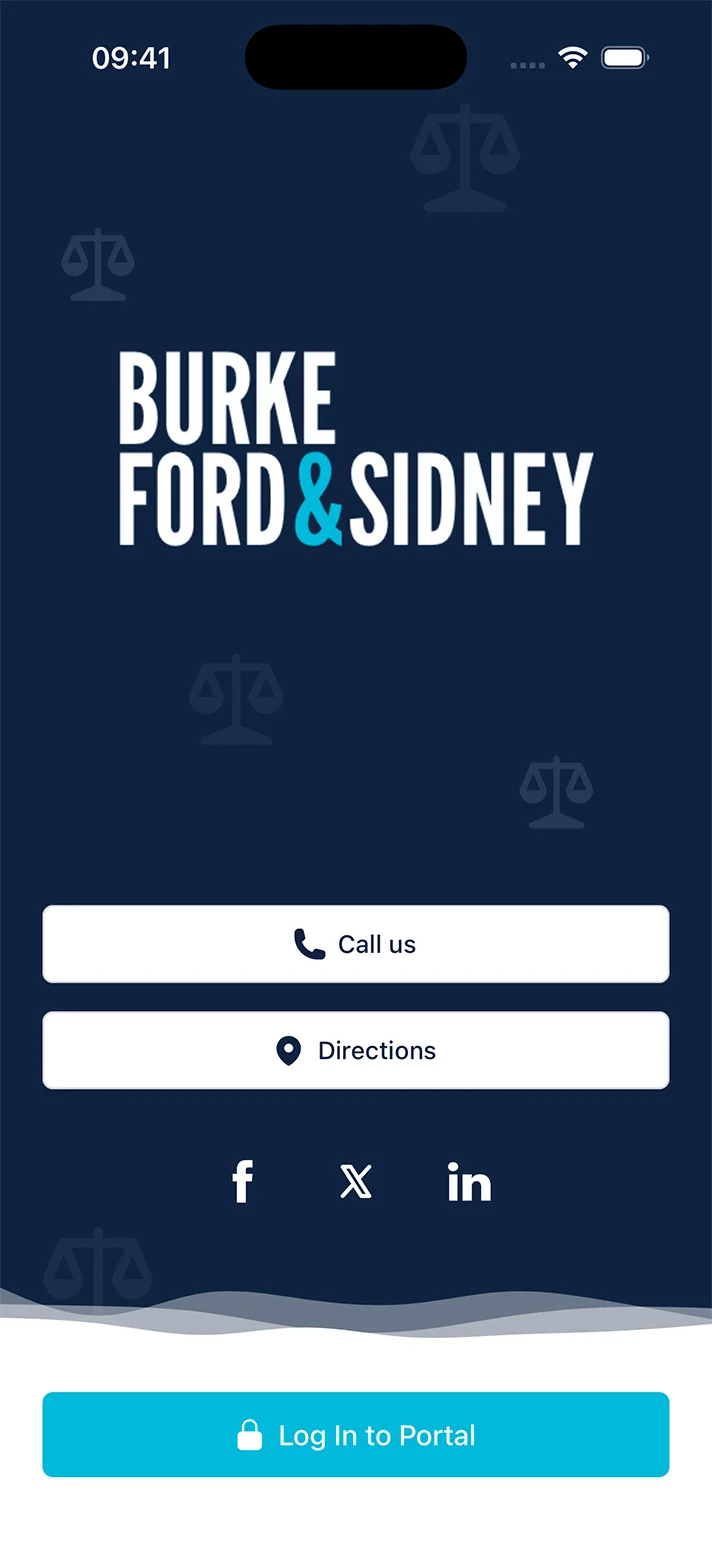
See the portal the way your clients will
A guided walkthrough of the app — about two minutes, no signup.
Start the walkthrough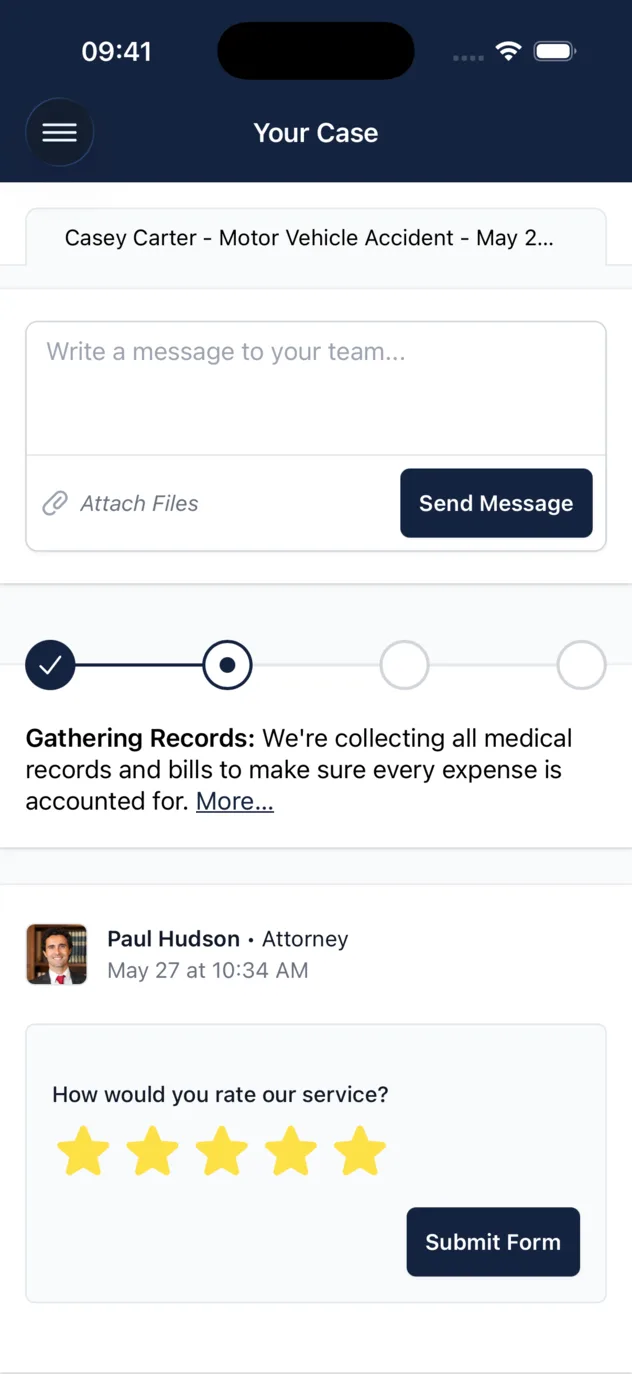
Workflow-Powered Communication
Let your LawBase workflows handle client messaging
You’ve already perfected your processes in LawBase. Now, let those same workflows automatically send case updates and invite clients. This powerful LawBase integration saves time and keeps clients happy without changing how you work.
- Automated Messaging.
- Trigger client messages directly from your LawBase workflows. Keep clients informed at key case milestones without any extra effort.
- Seamless Integration.
- Integrate client communication directly into your firm’s established procedures, leveraging the full power of your LawBase case management software.

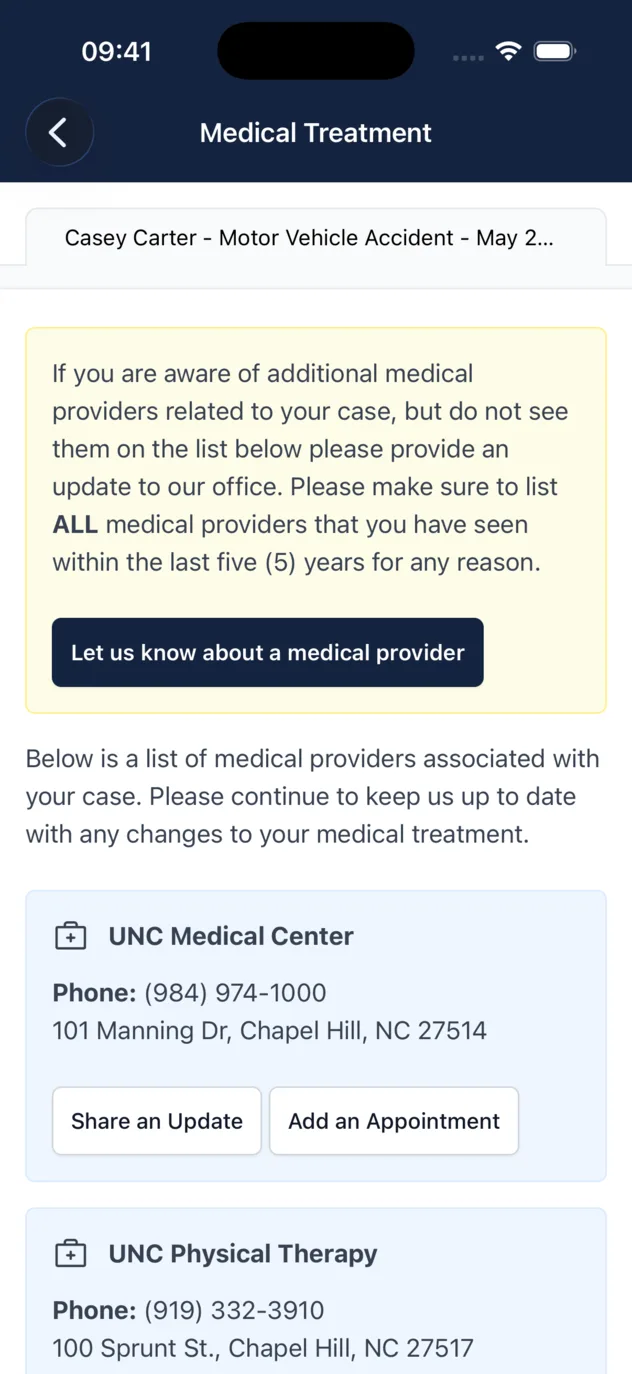
Embedded Client Portal
Access the portal without leaving your LawBase workspace
Stop jumping between browser tabs. A dedicated Client Portal tab inside your LawBase case screen gives you direct access to the law firm client portal. Manage messages, files, and case details all in one familiar place.
- Unified Workspace.
- Interact with the full client portal directly from your LawBase case management software, keeping your workflow focused and efficient.
- Instant Access.
- Quickly view client activity and send messages from the embedded portal, streamlining your team’s daily tasks.

Effortless File Exchange
Get the files you need, without the email hassle
Clients can securely upload documents to the portal, and your team can instantly access and download them from the embedded Client Portal tab in LawBase. No more chasing email attachments or saving files to your desktop. It keeps everything organized and accessible.
- Simple for Clients.
- Clients can easily upload photos, medical records, and other files from their phone or computer through the secure law firm client portal.
- Access within LawBase.
- Your team can view a list of client-uploaded files and download them directly from the Client Portal tab inside the LawBase case screen.
- Organized & Secure.
- Keep all case documents secure and centrally accessible. Give your team control over where files are saved while keeping them organized within the case context.

Easy Report Sharing
Share LawBase InstantPrint reports with clients securely
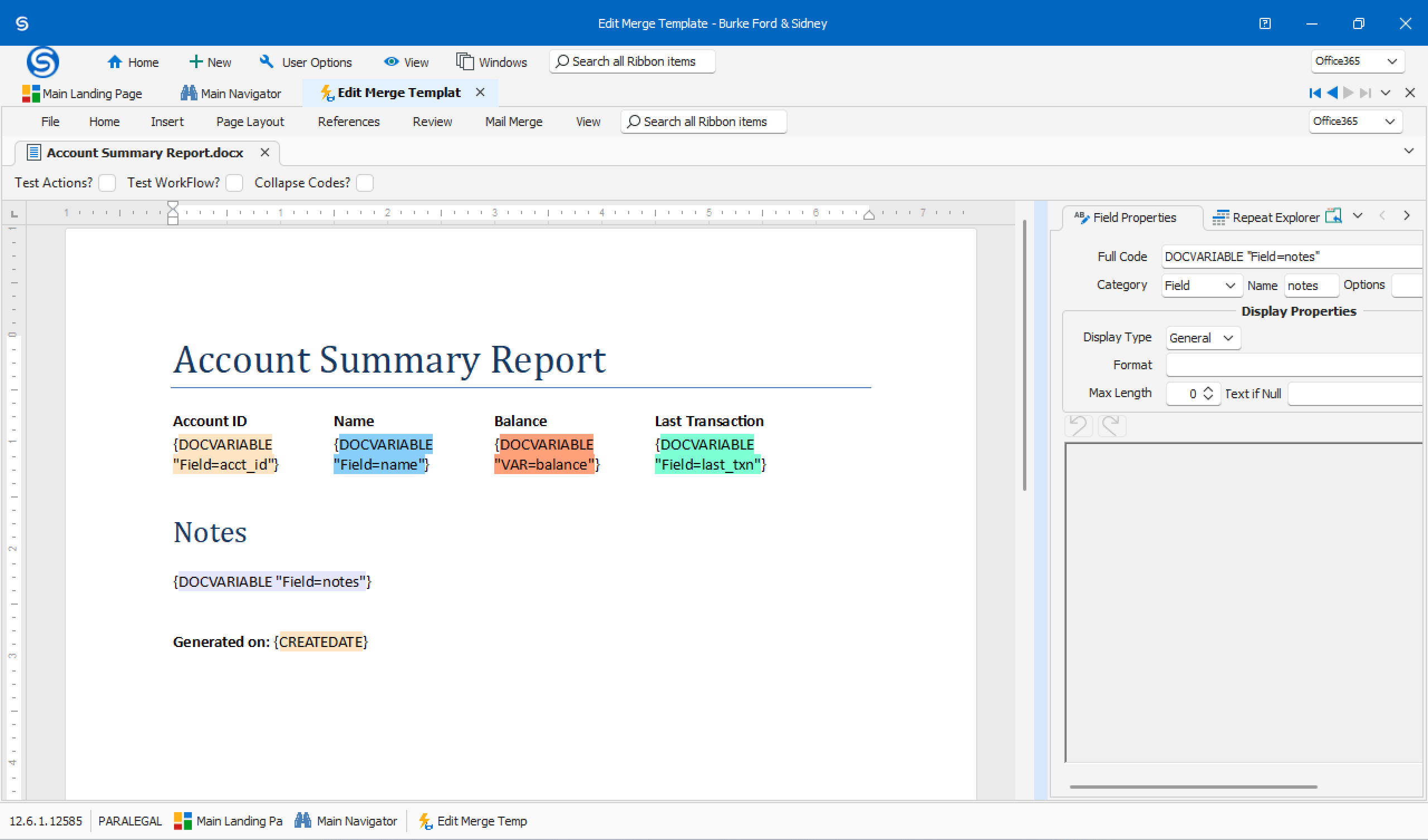
Take the reports you already generate with LawBase InstantPrint and share them directly with clients through the portal. Keep clients informed with professional documents, without the hassle of printing or emailing.
- Leverage InstantPrint.
- Use the powerful reporting tools you already know in LawBase and share the output with clients in just a few clicks.
- Secure Sharing.
- Stop sending sensitive documents through insecure email. Share reports through the encrypted portal to maintain client confidentiality.
Complete Case Record
Every client interaction automatically logged in LawBase Notes
Build a comprehensive and defensible case history without the manual effort. Every client message, form submission, and file exchange is written to LawBase Notes, ensuring your records are always complete and up-to-date.
- Effortless Archiving.
- All client portal communications are automatically chronicled in LawBase Notes, creating a rich, searchable history for every case.
- Powerful Automation.
- Data is also synced as a structured format, allowing you to use advanced tools like LBConcierge for scheduled automations that save even more time.
- Improved Compliance.
- With a full record of client interactions, your firm is better prepared for audits and can easily demonstrate a high standard of client communication.

Your Single Source of Truth
Keep LawBase at the center of your client data
Our LawBase integration means you only update information once. Change a client’s contact details in your LawBase case management software, and it automatically syncs to the portal. Eliminate data discrepancies and wasted admin time.
- Data Consistency.
- When client data is updated in LawBase, it’s instantly reflected in the portal, ensuring everyone is working with the most current information.
- Eliminate Double Entry.
- Update client information in one place and trust that it’s accurate everywhere. This reduces errors and frees your team from redundant data management.

Smart Client Forms
Collect client information without the endless follow-up
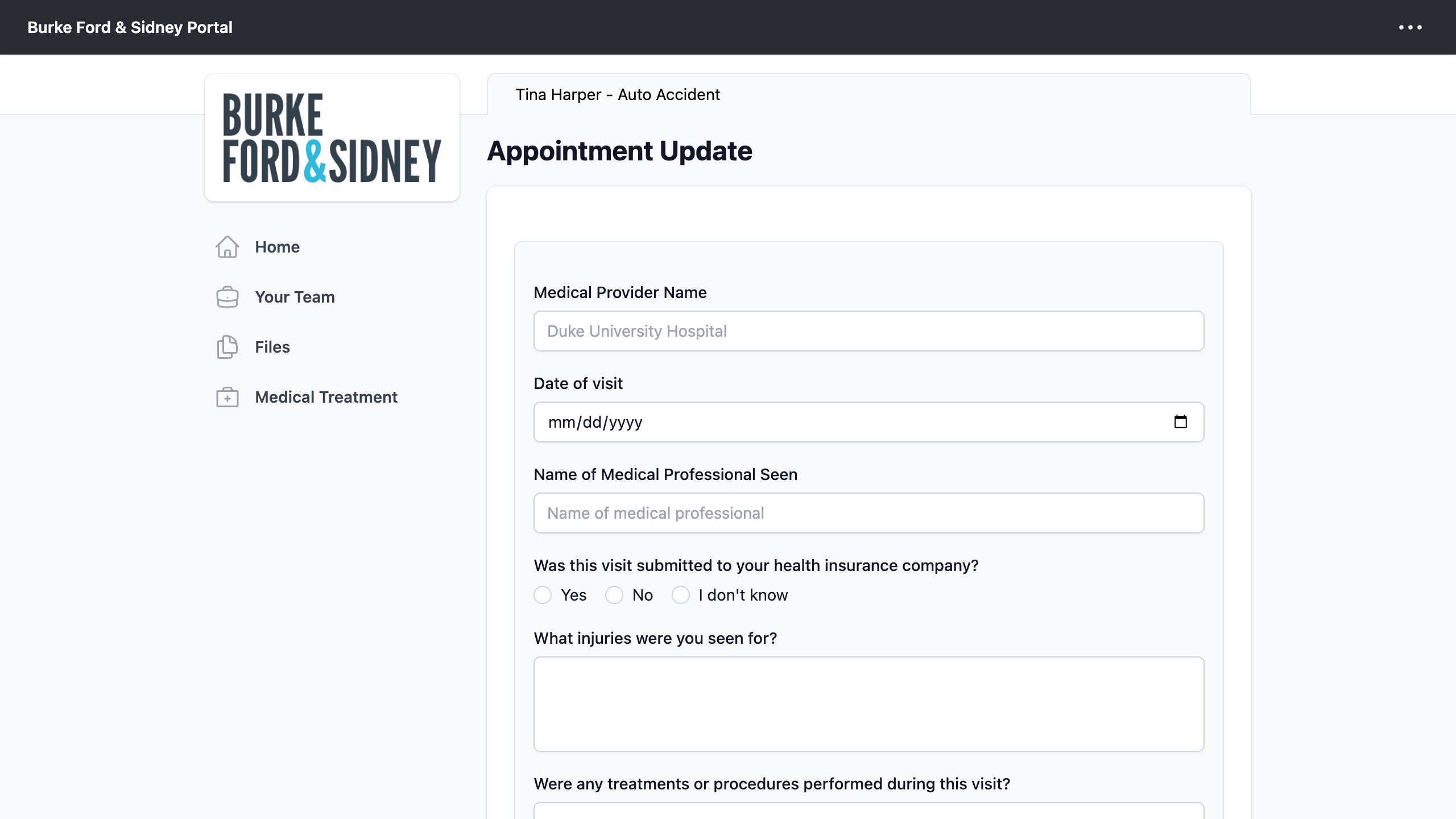
Streamline your intake and data collection with smart forms. Clients can fill out important information through the portal, and the data is sent directly to LawBase, ready for your team to use.
- Custom Forms.
- Use custom forms to capture exactly the information you need for client questionnaires, medical records, or any other case details.
- Direct to LawBase.
- Form submissions are sent directly to your LawBase case management software, eliminating manual data entry and potential errors.
- Automate Next Steps.
- Use the submitted data with tools like LBConcierge to trigger workflows, further automating your legal case management processes.
Frequently asked questions
Have a different question about the LawBase integration? Contact us and we’ll be happy to help.
- Does LawBase case management software have a client portal?
- CasePulse adds one. It provides a secure, white-labeled law firm client portal that integrates with your existing LawBase case management software, including a dedicated Client Portal tab inside your LawBase case screen.
- How much does the LawBase integration cost?
- Our pricing is based on firm size, not case volume. You can find more details on our LawBase integration pricing page and book a demo for a personalized quote.
- Can our LawBase workflows send client updates automatically?
- Yes. The same workflows you have already perfected in LawBase can trigger client messages and portal invitations, so clients hear from you at key case milestones without your team doing anything extra.
- Where do client messages and uploaded files end up in LawBase?
- Every client message, form submission, and file exchange is written to LawBase Notes, and your team can view and download client-uploaded files directly from the Client Portal tab inside the LawBase case screen.
- Can we share LawBase InstantPrint reports with clients?
- Yes. Take the reports you already generate with LawBase InstantPrint and share them with clients through the encrypted portal, instead of printing them or sending them by email.
- Do we have to update client information in two places?
- No. LawBase stays your single source of truth. Change a client’s contact details in your LawBase case management software and the portal syncs automatically, so there is no double entry and no data to reconcile.
- Will our team need extensive training on a new system?
- Not at all. Your team works from the embedded Client Portal tab in the LawBase case screen it already uses, so client messages, files, and case details stay in one familiar place.
Ready to see the LBPortal in action?
Schedule a no-obligation demo with our team to see how the portal simplifies client communication within LawBase.