
 CasePulse
 Your staff is still fielding the same calls all day. Clients want updates, intake forms come back half complete, and someone on your team is copying information from email into the case management system by hand. Most firms know technology should fix that. The problem is that the market for apps in law is crowded, overlapping, and often sold as if one tool can solve everything.
It usually can't.
The better approach is to build a stack. Start with the system that runs the case. Add tools that improve one job at a time, such as client communication, intake, document generation, filing, or reporting. That stack has to fit the way your team already works, or adoption will stall and the software will turn into shelfware.
Many firms get burned. They buy a flashy app that creates another inbox, another login, and another process. Staff resent it. Clients ignore it. Nothing gets cleaner.
A more practical path is to choose apps in law by function and by fit. Some belong at the center of the operation. Others should sit around your core system and remove repetitive work without forcing a full migration. If you want a broader view of the tools firms use, Gorilla's legal software recommendations are a useful companion read.
1. CasePulse
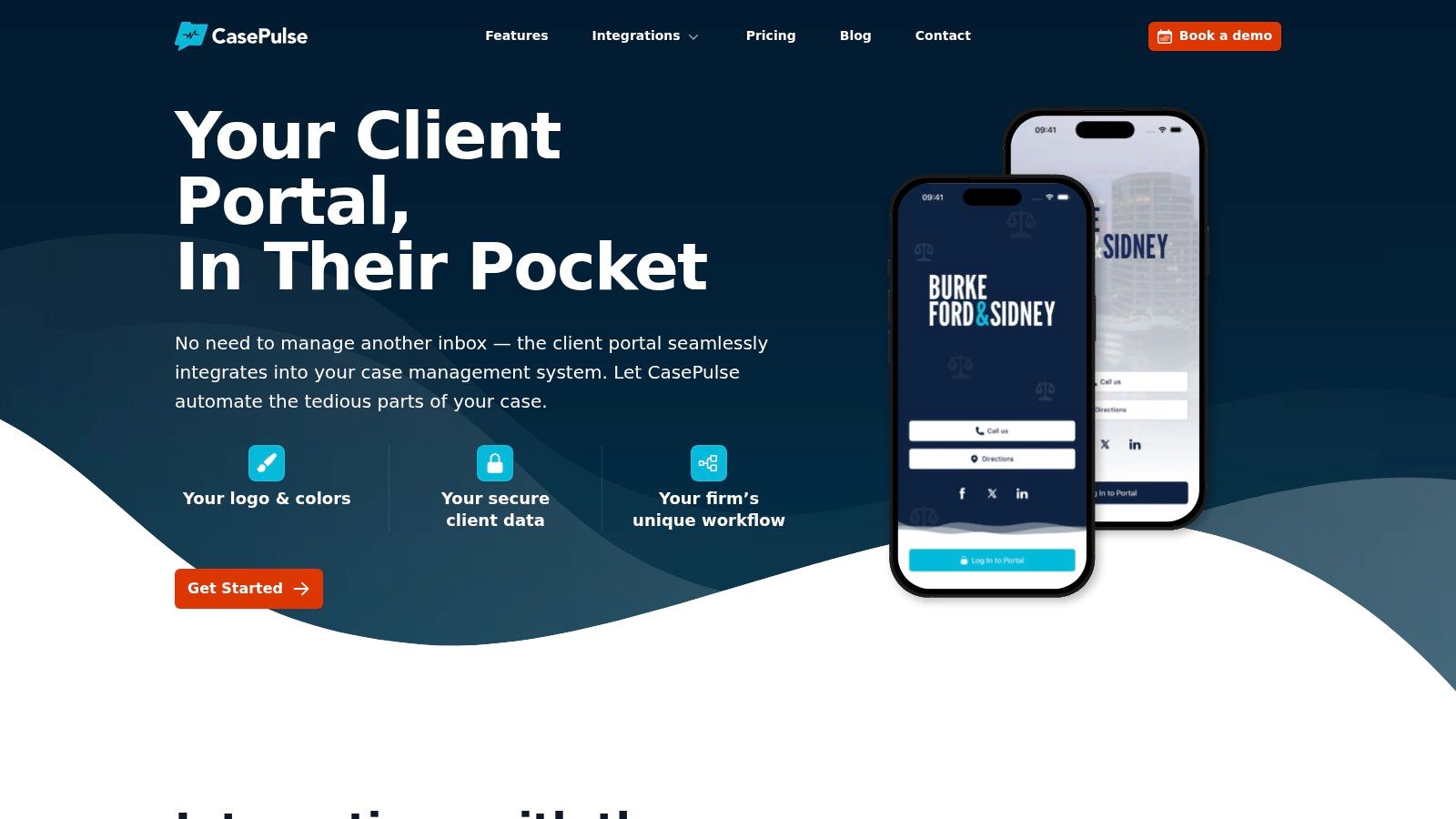
A client calls at 4:45 asking for an update your team already sent last week. The paralegal opens the CMS, checks email, looks for the last text, and then answers a question the client could have handled alone if the right tools were in place. That is the operational gap CasePulse is built to close.
CasePulse fits as a client engagement layer, not as the core system of record. For firms already using platforms such as Needles, Neos, LawBase, or Litify, it adds a secure client portal for status updates, messaging, file sharing, and form completion while staff stay inside the case management system they already use. That matters because adoption usually fails when front office teams have to babysit a second workflow all day.
Where it fits in the stack
In a plaintiff firm tech stack, CasePulse sits between your CMS and your client. Its job is straightforward. Reduce avoidable calls, organize client touchpoints, and make routine updates available without asking staff to repeat the same work in multiple places.
The practical benefits are clear:
- Client self service: Clients can review status, send messages, upload files, and complete forms from their phone or computer.
- Staff workflow protection: Case managers and paralegals continue working in the main CMS instead of splitting attention across separate tools.
- Faster rollout: Firms can usually get it live quickly because it layers onto existing systems rather than forcing a full migration.
- Hands on onboarding: Support and implementation are part of the product experience, which makes a difference for firms without a large internal IT team.
- Flexible commercial model: Pricing scales by firm size and is sold month to month, with unlimited cases, messages, files, forms, and support.
One operational lesson is consistent across firms. A client portal only works if it removes work from staff. If every portal message has to be copied, chased, or re-entered somewhere else, teams stop trusting it and clients stop using it.
CasePulse also supports firm branding and can connect with existing document workflows and outside tools. That sounds minor until you see the effect on client experience. A branded portal that matches the firm's process feels like part of the representation, not a third party add-on clients forget about after intake.
Trade offs that matter
CasePulse makes the most sense for firms that already have a supported case management platform and want to improve communication without replacing the system underneath. That is a narrower use case than an all in one platform, but for the right firm it is often the cleaner decision.
There are limits. Pricing is not published publicly, so a real comparison requires a demo and quote. The product is also tied to the value of its integrations. If your firm uses a system it does not support, the case for adding it gets weaker unless you are prepared to solve that gap with custom process work.
The broader technology trend supports tools like this. The American Bar Association's Legal Technology Survey reported that smartphone adoption among lawyers reached 95.6 percent in 2017. Client expectations followed the same direction. For many firms, mobile access to status, forms, and messages is no longer a nice feature. It is part of basic service delivery.
For firms building a stack instead of buying another oversized platform, CasePulse fills a specific role well. It improves the client side of the operation while leaving the core case system in place.
2. Filevine

Some firms want one platform to do almost everything. That's where Filevine usually enters the conversation. It combines case management with document handling, client communications, workflow configuration, reporting, e signature through Vinesign, and document assembly through Outlaw and FVDA. For plaintiff firms, it also leans into PI specific processes such as demands and medical chronology work.
The appeal is obvious. Vendor sprawl creates operational drag. If your team uses one tool for matters, another for signatures, another for intake, and another for document generation, every handoff becomes a chance for delay or error. Filevine's ecosystem approach reduces some of that.
Best use case
Filevine makes the most sense for firms that want deep customization and are prepared to treat software implementation like a real operational project, not a weekend task. It can support complex PI workflows, but that flexibility usually comes with setup work.
What works well:
- Built in ecosystem: E signature, document assembly, and PI oriented tools reduce the need to bolt on as many separate products.
- Custom workflows: Firms with nonstandard processes can shape the platform around how their cases move.
- Single platform operations: Teams can centralize more work in one environment.
What doesn't work as well:
- Learning curve: Broad systems take time to configure, train, and govern.
- Quote based pricing: Cost comparison gets harder once add ons and implementation enter the picture.
A broad platform can simplify your stack, but only if someone at the firm owns configuration decisions.
I usually look at Filevine as a central system decision, not an app purchase. If your team wants opinionated simplicity, there may be easier routes. If you want a large operating platform with room to build, Filevine belongs on the shortlist.
3. Litify
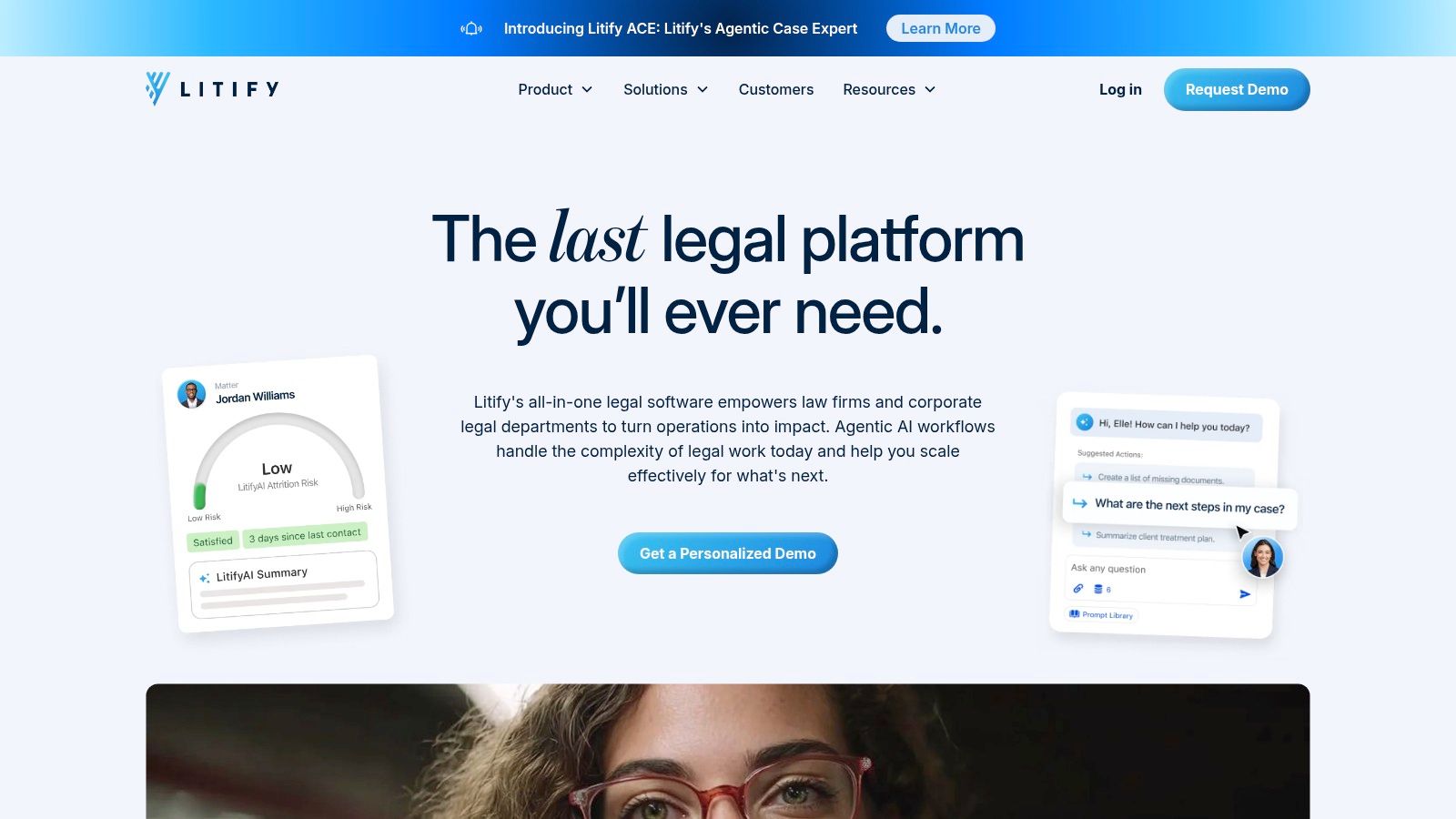
A firm opens a second office, intake volume climbs, and partners start asking basic management questions that the team cannot answer quickly. Which referral sources produce the best cases. Where do files stall. Which attorney teams are carrying too much pre lit work. Litify is built for that stage of growth.
Litify fits firms that want their case management platform to function as the core of a broader operating system. Because it runs on Salesforce, it usually appeals to larger PI practices and multi office firms that care about reporting, configurable workflows, and visibility across intake, litigation, medical records, settlement, and finance.
That position in the stack matters. Litify is less of a point solution and more of a platform decision. For firms comparing tools across the market, it helps to benchmark where enterprise systems sit within broader legal case management software categories. Litify belongs at the top end of the complexity range, where the upside is control and the cost is administrative overhead.
Where Litify fits in a law firm tech stack
Litify works best when the firm wants one system to coordinate multiple functions rather than just track matters. Its Salesforce base gives operations teams room to shape workflows, permissions, dashboards, and handoffs across departments. Docrio strengthens that approach by keeping document management and generation closer to the matter record, which reduces the usual back and forth between separate tools.
That can be a real advantage in firms that have already outgrown simple case tracking.
A few practical strengths stand out:
- Strong fit for larger operations: Multi office firms and reporting heavy leadership teams usually get more value from the platform than smaller firms with simpler processes.
- Better cross functional visibility: Intake, case work, and management reporting can live in the same environment if the system is set up well.
- Salesforce ecosystem access: Firms already using Salesforce adjacent tools may have an easier time connecting systems and standardizing data.
The practical trade off
Litify requires operational maturity. Implementation takes planning, internal ownership, and clear decisions about how work should move through the firm. Ongoing customization also needs guardrails. If every partner wants a different intake path, task rule, or dashboard, the platform can become expensive to maintain.
That concern is even more relevant as firms add automation and AI tools. A 2025 legal industry survey roundup reported AI adoption at 78 to 79 percent as of 2025, while also noting uneven use and continuing confidentiality concerns. In practice, that means firms evaluating Litify should map governance into the purchase decision. Someone has to approve workflow changes, monitor automations, and decide what happens when exceptions break the standard path.
Litify is a strong choice for firms building a connected system. It is usually a poor fit for teams that want quick setup, light administration, or a simpler app they can configure on the fly.
4. Neos by Assembly Software

For firms with deep Needles history, Neos by Assembly Software often feels like the practical cloud path rather than a dramatic reinvention. That's part of its value. Migration is hard enough without forcing your staff to relearn every habit at once.
Neos focuses on cloud case management, document templates, automation, deep Outlook integration, and search. For teams that live in Microsoft tools all day, that integration can carry more weight than a longer feature list from a newer platform.
Why firms choose it
The strongest Neos pitch isn't novelty. It's continuity.
- Needles familiarity: Firms moving from Needles usually face less behavioral disruption.
- Microsoft alignment: Outlook email and calendar integration is useful for teams that organize their day around inbox and schedule.
- Partner ecosystem: Integrations with providers such as InfoTrack help extend filing and litigation workflows.
I tend to recommend Neos to firms that want modernization without a total operating model reset. That's a different buyer than the firm chasing a giant enterprise build.
Cloud migration goes better when the software respects how your staff already works.
Watch the cost stack
The catch is that public pricing isn't easy to pin down, and add ons can increase the total cost of ownership. That's common in legal software, but it matters more during migration because firms often underestimate what they'll need once the project starts.
Neos fits well in a stack where the CMS remains the center and specialized apps handle communication, filing, or intake around it. For firms already grounded in the Assembly ecosystem, that can be a very workable setup.
5. SmartAdvocate
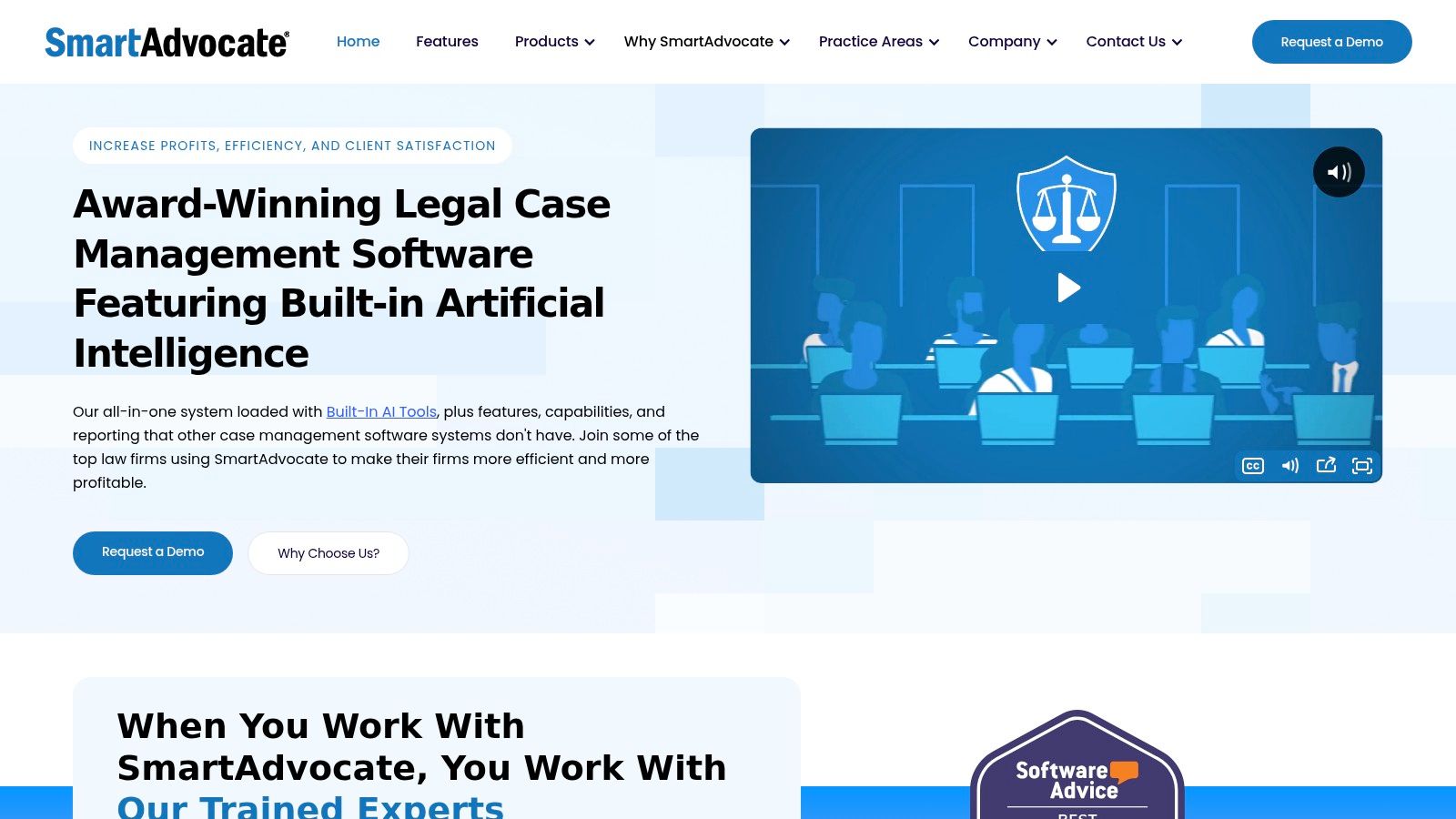
SmartAdvocate is the kind of platform high volume PI firms often appreciate because it speaks their language out of the box. It offers PI focused case management, a client portal, texting, Outlook integration, extensive integrations, and built in AI tools under SmartIntelligence for summaries, translation, and transcription.
The feature set is broad enough that the software can become a core operating environment for the right firm. It also means onboarding needs attention. Broad products reward firms that document process and train carefully.
Where it stands out
Two things tend to get attention first. One is its unlimited storage policy. The other is the depth of PI automation through WorkPlans and automated procedures.
That combination is useful when your team is handling large document volumes and repeatable sequences.
- Portal and texting: Communication tools are built into the matter experience.
- PI automation: WorkPlans support structured handling for recurring case steps.
- Integration depth: Connections across e sign, lien resolution, and medical records can reduce manual chasing.
Where firms struggle
The same feature breadth that makes SmartAdvocate attractive can slow adoption if the firm doesn't sequence the rollout. Trying to activate every capability at once is a mistake.
There's also the usual pricing issue. Like many legal platforms in this tier, it is quote based. Firms comparing apps in law should budget time for demos and careful scoping because total cost and time to value depend heavily on what you implement.
6. Case Status

Some firms don't need another full practice platform. They need clients to stop calling for updates. That's the lane Case Status serves well. It offers a branded client app on iOS and Android, secure messaging, and self service case information while syncing with supported case management systems.
I like this category because it's honest about the job. A dedicated communication layer can produce more operational relief than a giant platform upgrade when the primary bottleneck is status traffic.
Practical fit
Case Status is not a case management system. That's a benefit for many firms. Staff can keep using the CMS they already trust while clients interact through a more polished mobile experience.
If you're comparing tools in this niche, a case status app for law firms is worth evaluating based on one question above all others. Does it reduce friction for both the client and the staff member updating the case?
What stands out:
- Branded mobile experience: Clients engage through an app instead of scattered text threads and voicemail.
- CMS integration: The product relies on integration rather than replacement.
- Feedback and reviews: That can support referral and reputation workflows.
Clients don't care which system holds the record. They care whether they can get an answer without waiting on hold.
Trade offs
The limitation is straightforward. If you need matter management, documents, and firm wide workflows, this isn't the tool. It depends on the systems around it.
Pricing is also quote based, so side by side comparison requires a sales process. Even so, for firms trying to solve communication fatigue without reopening their entire tech stack, Case Status is often a sensible middle path.
7. Lawmatics
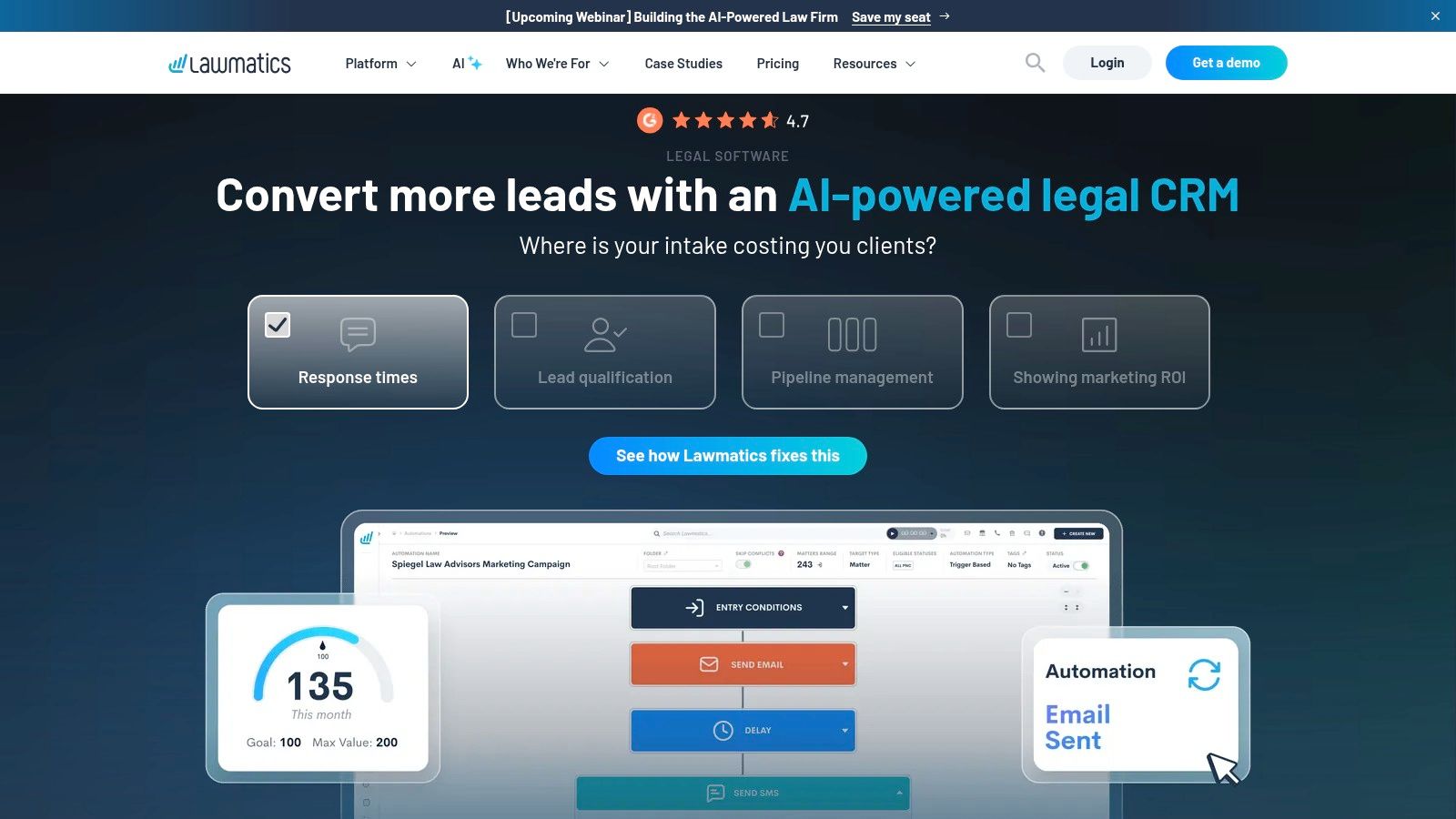
A lot of firms focus on case management and forget that intake is its own operational discipline. That's why Lawmatics earns a different place in the stack. It is a legal CRM built for intake, client lifecycle management, marketing automation, e signature, forms, client portal functions, and two way SMS.
In plaintiff work, this matters because intake delays don't just annoy prospects. They create leakage. If leads sit too long, forms go unfinished, or follow up depends on someone remembering to send another email, the process starts breaking before the case is even opened.
Best role in a legal tech stack
Lawmatics is strongest when paired with an existing CMS. It helps firms organize lead capture, qualification, and communication before and around formal case management.
Useful strengths include:
- Intake forms and workflows: Standardizes the handoff from lead to signed client.
- Marketing automation: Drip campaigns and analytics help firms manage follow up at scale.
- Texting and e signature: Reduces the number of disconnected tools at the intake stage.
The caution is familiar. Advanced functionality may sit behind higher tiers or add ons, and pricing is customized. That means firms should map their intake process before buying, not after. Otherwise they often pay for automation they haven't operationalized.
The adoption problem firms underestimate
One of the big gaps in legal tech discussion is practical ROI and client adoption friction in mid market firms. The published conversation often praises access and automation, but it says much less about whether clients consistently use portals, whether staff trust new workflows, and how long it takes for the effort to pay back. That gap is especially relevant when firms add intake software on top of an existing stack.
Lawmatics can be excellent. It just performs best when someone owns the intake system as a process, not only as software.
8. Gavel formerly Documate
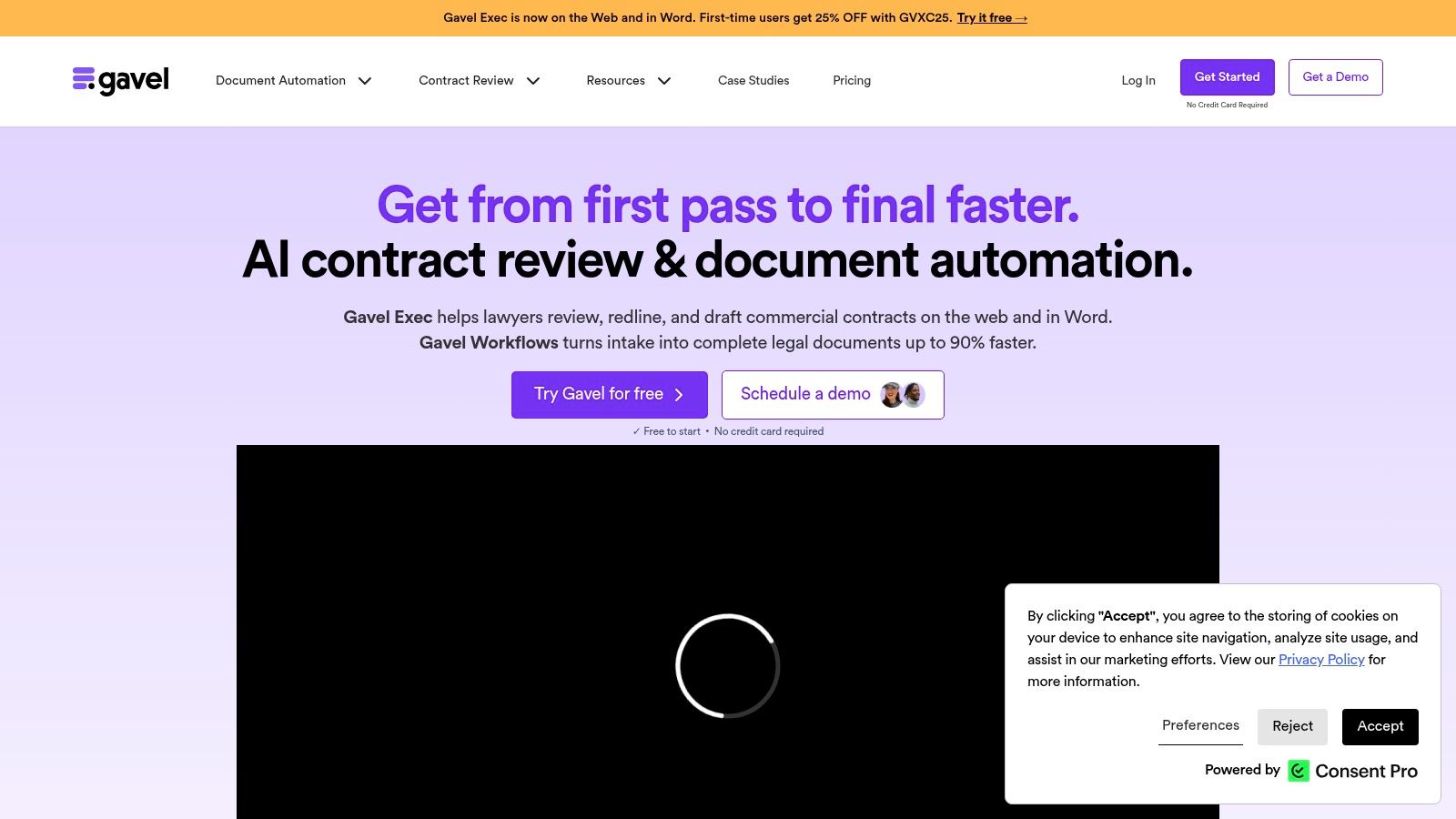
If your firm repeats the same document workflow over and over, Gavel is worth a hard look. It focuses on no code document automation, client facing workflows, guided interviews, and standardized form generation. For plaintiff practices, that can mean intake questionnaires, letters, or demand package support where consistency matters more than creativity.
I like document automation tools most when the firm has already identified a narrow, repetitive pain point. That's where they save the most frustration.
Why it earns a place
Gavel's advantage is clarity. It publishes pricing, offers a free trial, and gets to value quickly for repeatable workflows. That alone separates it from much of the legal software market.
Its toolset includes Word and PDF automation with conditional logic, reusable intake forms, a legal template library, Stripe payments, white label options, and integrations such as Clio, DocuSign, Zapier, and API access on higher plans. For firms looking at law firm automation software, Gavel represents the focused end of the market rather than the all in one platform end.
Limits you should accept upfront
This isn't a case management system. It won't track the matter lifecycle on its own. It needs to connect to the rest of your stack.
That is not a flaw if you buy it for the right job. For standardized documents and guided client workflows, focused tools often outperform bloated platforms. For end to end matter operations, they don't.
9. InfoTrack

Filing work is one of those areas where small inefficiencies create constant aggravation. InfoTrack tackles that problem by embedding eFiling, process serving, and related court services into case management and document environments firms already use.
This is the kind of app legal operations people tend to appreciate immediately. It removes retyping, returns court stamped documents to the matter, and centralizes billing in a cleaner way than ad hoc ordering across different services.
Why it matters operationally
InfoTrack shines when your litigation team files and serves often enough for process friction to become a real cost in staff time and attention.
- Pre filled filing data: Reduces manual entry and catches issues earlier through validation.
- Document sync: Court stamped documents and expenses flow back into the matter record.
- Ecosystem fit: Integrates with products including Filevine, Neos, Clio, and NetDocuments.
For litigation heavy firms, that's a meaningful workflow improvement. Court work already has enough moving parts. Your software shouldn't add more.
The honest downside
InfoTrack's economics depend on volume because the model includes per order costs. Jurisdiction coverage and fees also affect value. Firms that file only occasionally may not feel the return the same way a busy litigation shop does.
Still, among apps in law, this is a strong example of a narrow tool that earns its keep when matched to the right workload.
10. CASEpeer

CASEpeer takes a more opinionated approach to plaintiff PI case management. Instead of asking the firm to build everything from scratch, it comes with workflows and reporting centered on PI practice, including medical treatment tracking, liens, bills, provider history, demands, settlements, client texting, and a client portal.
That kind of specificity can be a relief. Not every firm wants a blank canvas. Many want software that already understands how a PI case moves.
Where CASEpeer helps most
CASEpeer is a good fit for firms that want PI specific reports and KPIs without heavy customization. It also offers integrations for e signature through Dropbox Sign, financial connections such as QuickBooks, and training resources through its help center and on demand materials.
The operational upside is speed. When your practice model matches the software's assumptions, rollout tends to be simpler than with a highly configurable enterprise platform.
The right software model isn't always the most flexible one. Sometimes it's the one that already matches your case flow.
What to watch
Pricing isn't public, so you're back in the usual demo and quote process. Add ons such as texting or e sign can also change the overall cost.
For firms that want PI focused structure and don't need a highly customized enterprise build, CASEpeer is a serious contender. It belongs near the center of the stack rather than on the periphery.
Top 10 Law Apps, Feature & Pricing Comparison
A typical plaintiff firm does not buy one app and call the project finished. It usually builds around a core system, then adds client communication, intake, document generation, and filing tools that remove bottlenecks at specific points in the case lifecycle. That is the right way to read this comparison. As a stack review, not a shopping list.
The practical question is fit. Some products are matter management systems that sit at the center of operations. Others solve a narrower problem and work best as connected layers around that core.
| Product | Role in the stack | Core features & UX | Best fit | Pricing & distinguishing factor |
|---|---|---|---|---|
| CasePulse (Recommended) | Client communication layer that connects to supported case management systems | Secure client portal, two way messaging, file sharing, fillable forms, case status updates, workflow automations, onboarding support in the U.S. | PI and mid to large firms using Needles, Neos, LawBase, or Litify | Month to month pricing. Unlimited cases, messages, files, forms, and support. Strong fit for firms that want a client facing layer without replacing their CMS |
| Filevine | Core case management and operations platform | Configurable workflows, native e sign, AI assisted tools for PI work, client portal | PI firms that want broad configurability and are willing to invest in setup | Quote based pricing with modular add ons. Wide feature coverage and flexibility |
| Litify | Enterprise legal operations platform built on Salesforce | Intake, case management, analytics, document management through Docrio | Larger firms that want reporting depth, process control, and Salesforce level extensibility | Quote based pricing. Strong option for firms with in house admin support and complex reporting needs |
| Neos (Assembly) | Cloud case management platform, often considered by firms leaving older desktop systems | Document automation, Outlook integration, marketplace integrations | Firms that prefer Microsoft centered workflows or are migrating from Needles | Module and user based pricing. Familiar path for firms modernizing without changing operating style too sharply |
| SmartAdvocate | PI case management platform with built in client communication and AI features | Client portal, AI summaries and transcription, two way texting, broad integrations | High volume PI firms that need strong workflow support and large file capacity | Quote based pricing. Unlimited storage and PI specific automation depth stand out |
| Case Status | Client engagement layer focused on status visibility | Branded mobile app, milestones, secure messaging, integrations with case systems | Firms that want fewer status calls and a more consumer style client experience | Quote based pricing. Strong adoption focus and built in review and feedback tools |
| Lawmatics | Intake and CRM layer | Intake forms, e signature, client portal, two way SMS, marketing automation | Firms trying to improve lead follow up, intake conversion, and pre engagement workflows | Quote based pricing with add ons. Strong fit on the front end of the funnel |
| Gavel (formerly Documate) | Document automation layer | Word and PDF automation, conditional logic, template library, payment collection | Firms with repeatable forms, packets, and client questionnaires | Published pricing and free trial. Clear time to value and easier budget planning than quote only products |
| InfoTrack | Filing and court services layer | eFiling, process serving, court synced documents, centralized billing | Firms that file often and want less manual handling between court systems and case files | Per order pricing. Useful for reducing filing friction and billing sprawl |
| CASEpeer | PI case management platform with prebuilt plaintiff workflows | Treatment tracking, liens and bills, demand support, client texting, portal access, PI reports and KPIs | PI firms that want a more structured system with less customization work | Demo and quote based pricing. Good fit for firms that prefer software aligned to PI operations from day one |
A few trade offs matter more than feature volume.
If the firm needs a source of truth for matters, deadlines, documents, and reporting, the decision usually starts with Filevine, Litify, Neos, SmartAdvocate, or CASEpeer. If the case system is already in place and staff adoption is decent, adding a communication layer such as CasePulse or Case Status can improve client experience without a larger platform migration.
Lawmatics, Gavel, and InfoTrack play a different role. They are point solutions, but useful ones. In a well designed stack, those tools handle intake, document generation, and filing work that would otherwise stay manual inside the case team. That division of labor is often what improves throughput. It also reduces rekeying, which is where firms lose time and introduce errors.
Pricing structure affects operations too. Quote based platforms can make sense when the firm needs implementation support, data migration, and customized permissions. Published or usage based pricing is easier to test for narrower tools. The operational mistake is buying every category at once before deciding which system owns the record and which systems primarily pass data in and out.
From Apps to Ecosystem Your Next Steps
Monday morning is where a legal tech stack proves itself. A client wants an update before intake has fully converted, a paralegal is chasing records, and an attorney needs the current demand packet without asking three people where the latest version lives. Firms that handle that well usually made one clear decision early. They chose how their tools would work together before they bought more software.
That is the practical shift from app shopping to system design. The question is not which product has the longest feature list. The question is which platform owns the matter record, which tool handles client communication, which tool creates documents, and which tool pushes filings out the door without staff rekeying the same information.
For plaintiff firms, the stack usually works best when case management sits at the center. Then the surrounding tools earn their place by doing one job well. Communication tools reduce status calls and keep clients informed. Intake and CRM tools keep leads from stalling before a file is opened. Document automation tools cut drafting time and reduce inconsistency. Filing tools take repetitive court work off the case team.
The risk is not underbuying. It is buying three systems that all want to own the same data.
That is also where implementation fails. Staff adoption drops fast when people are asked to update multiple systems, guess which one is current, or work around exceptions that were never mapped. AI adds another layer. Used carefully, it can speed up drafting, review, and intake support. It also raises supervision questions that many firms still have not operationalized. The current discussion on AI in legal services points back to the lawyer's duty to train and supervise nonlawyer assistance, including AI-assisted work, but many firms still lack a documented process for review and accountability, as discussed in this analysis of AI tools and legal oversight gaps.
Start smaller than you think.
Pick the system of record first. Add one adjacent tool that removes a daily source of friction. Assign ownership for each workflow, including exceptions. If a client uploads the wrong document, replies by text instead of portal, or leaves a required form half-finished, the team should know who catches it and where it gets resolved. That is what makes a stack usable under real workload pressure.
Client behavior should shape the final setup. Clients do not care how many products sit behind your operations. They care whether updates are easy to find, forms are easy to complete on a phone, and messages get answered without delay. Tools that respect those habits usually drive better adoption than broader platforms that ask clients to learn a new process just to get basic information.
If your next move is still unclear, start with the bottleneck your staff talks about without prompting. Fix communication if the phones stay tied up with status requests. Fix intake if signed cases stall between consult and file opening. Fix drafting if repetitive documents keep coming back with errors. The right ecosystem is the one your team will maintain and your clients will use.
If your firm already runs on Needles, Neos, LawBase, or Litify and the main problem is communication volume, CasePulse is one of the cleaner add-on options in this stack review. As noted earlier, it gives clients a secure portal for updates, messaging, file sharing, and forms while staff continue working inside the case management platform already in place. That trade-off is often the right one for firms that want to improve client communication without taking on a full platform migration.