
 CasePulse
 Your intake team is busy. Your case managers are answering the same status questions over and over. New clients sign, then go quiet for a few days, then start calling because they don't know what happens next. Inside the firm, people think this is just part of practicing law.
It isn't.
In plaintiff work especially, law firm client onboarding shapes whether a lead becomes a client, whether a client trusts your team early, and whether your staff spends the next several months doing legal work or chasing routine updates. Most firms still treat onboarding like forms, signatures, and a welcome email. That's too small a view. Good onboarding controls handoff, expectations, communication rules, and the quiet stretches that make clients nervous.
I've seen the same pattern in a lot of firms. The first week gets attention. The months after that don't. That gap is where frustration builds, call volume rises, and confidence slips. A modern onboarding program fixes the front end, but it also prepares clients for what the case will feel like when progress is real but not always visible.
Why Great Client Onboarding Is a Revenue Driver
Law firm client onboarding is not clerical cleanup. It's the process that turns a lead into a paying client through intake, qualification, conflict checks, fee agreements, and expectations setting. Firms with optimized onboarding workflows can convert up to 40% more leads into paying clients than firms with weaker workflows, according to industry commentary on law firm client onboarding.
That number should change how your firm thinks about the work. If intake is sloppy, delayed, or fragmented, you're not dealing with an admin issue. You're leaking revenue at the exact point where a prospect is deciding whether your firm feels organized enough to trust.
What weak onboarding actually costs
The damage usually shows up in plain ways:
- Leads stall out: someone fills out a form, waits too long, and hires another firm.
- Conflict checks drag: nobody owns the process, so the retainer sits in limbo.
- Clients get confused fast: they sign, then don't know who to call, how updates work, or what the next step is.
- Staff work reactively: paralegals spend time repeating information that should have been standardized on day one.
A lot of firms invest heavily in marketing, then underinvest in the handoff after the inquiry. That's backwards. A strong onboarding system protects the money you already spent to generate the lead.
Practical rule: If your firm can't explain the first week and the first quiet month in a simple, repeatable way, your onboarding process is still incomplete.
The three pillars that matter
The firms that clean this up usually build around three basics:
| Pillar | What it controls | What goes wrong without it |
|---|---|---|
| Intake | Data capture, qualification, signatures, conflict checks | Duplicate work, delays, missing information |
| Communication | Response windows, update cadence, client expectations | Repeated calls, anxiety, mixed messages |
| Integration | How staff work inside existing systems | Side inboxes, manual follow up, broken handoffs |
This is also why onboarding overlaps with retention. The same habits that make a client feel informed early are the ones that keep them loyal later. If you want a useful outside perspective on that broader client relationship piece, these proven customer loyalty strategies are worth reading alongside your intake planning.
The Blueprint for a Modern Onboarding Program
Before you choose forms, templates, or portal settings, decide how your program should function. The firms that struggle usually start with tools. The firms that improve start with workflow ownership.
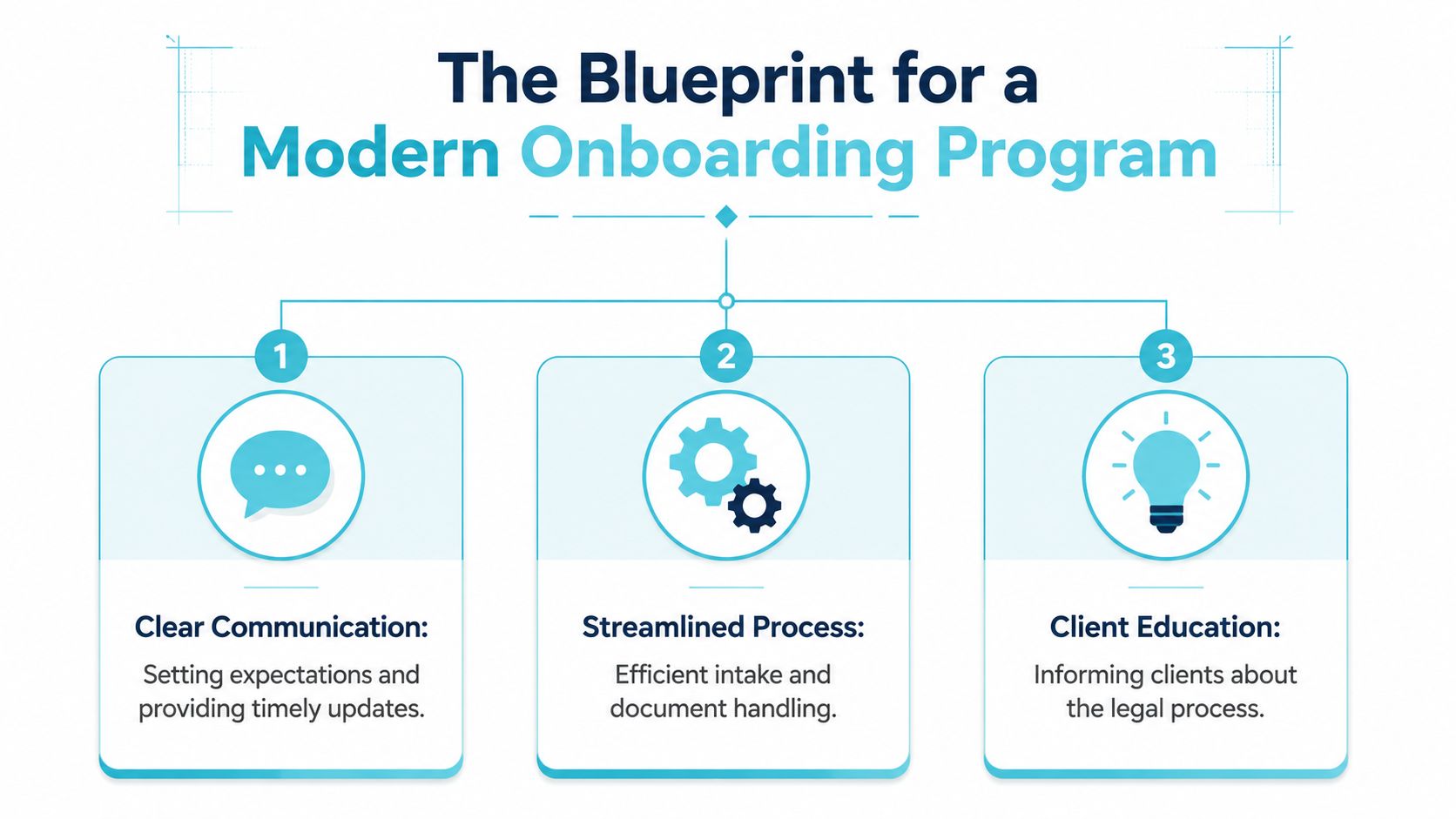
Intake needs one standard path
Every new matter should enter your firm through the same intake logic, even if practice groups differ. That means one standard for required information, one standard for screening, and one standard for what must happen before the file is considered open.
What works is simple. Your firm defines the minimum viable intake record, decides who owns follow up, and removes optional detours. What doesn't work is letting each staff member collect information in their own style and hoping someone else cleans it up later.
A useful blueprint starts with these questions:
- What information is required before legal work begins
- Who can move the file to the next stage
- What triggers a delay, and who resolves it
- What does the client receive immediately after signing
Communication needs a single operating model
Most onboarding failures aren't about forms. They're about silence, mixed expectations, and poor handoffs. Clients don't just need a welcome packet. They need plain instructions on how your firm communicates, when they should expect to hear from someone, and what happens if nothing changes for a while.
Build one communication model and train to it. Include:
- Primary channel: portal message, phone, or email, but make the default clear
- Response windows: tell clients what normal response timing looks like
- Routine updates: explain whether clients will receive updates on a schedule or only when something changes
- Quiet phase language: tell them upfront how your team handles periods with no visible movement
Clients rarely get upset because legal work takes time. They get upset because nobody told them what the waiting would feel like.
Integration decides whether staff actually use the system
A process can look polished on paper and still fail in practice. The reason is usually integration. If staff have to leave their normal workflow, monitor separate inboxes, or reenter information, adoption drops.
Your onboarding blueprint should assume this reality. Design around the systems your team already uses. The less switching required, the more consistent your process will be.
A clean blueprint has three traits:
- Visible ownership
- Standard client language
- Low friction for staff
That combination is what turns onboarding from a set of documents into a working operating system.
Designing Your Intake and Welcome Workflow
The first interactive experience after engagement sets the tone. If the client gets a stack of attachments, vague instructions, and no clear next step, your firm feels harder to work with than it should. A better workflow feels guided. The client knows what to complete, where to send it, and what happens after submission.
Replace paper friction with guided intake
Paper packets and fillable PDFs create rework. Staff chase missing fields. Clients submit the wrong version. Someone has to read handwriting or copy details into the case system. That's how small intake delays become daily operational drag.
Digital intake works better when it's structured, mobile friendly, and tied to your existing process. If you're reviewing options for how firms handle this, a practical reference point is this guide to a law firm client intake form.
What to include in the initial intake package depends on your matter type, but the workflow should usually cover:
- Core client information: contact details, incident or matter basics, and opposing parties needed for screening
- Engagement documents: fee agreement or retainer with e-signature built into the process
- Required uploads: only what the client can reasonably provide now
- Preference capture: communication method, language needs, accessibility needs
Build accessibility in from the start
Many firms are still too casual regarding this aspect. They ask about language or accessibility preferences, then improvise after the fact. That creates extra staff burden and a bad client experience.
The better approach is to operationalize those needs from the beginning. The global legal AI market was estimated at about $2.24 billion in 2024 and projected to grow to $3.97 billion in 2025, reflecting rapid adoption of automation in legal workflows, while onboarding must be designed for clients regardless of channel, format, or language, as noted in this law firm onboarding checklist discussion.
That doesn't mean every client uses the same method. It means your process should support more than one path without forcing staff to invent a workaround every time.
What belongs in the welcome sequence
A welcome workflow should answer the questions clients are too stressed to organize on their own.
Use the first sequence to clarify:
| Welcome element | Why it matters |
|---|---|
| Who is on the case team | Prevents confusion about who handles what |
| How to reach the firm | Reduces scattered communication |
| What happens next | Lowers immediate anxiety |
| What the firm needs first | Speeds completion of essential tasks |
| How updates will work | Prevents future status chasing |
If a portal is part of your process, keep the welcome message short. Don't overload it with legal education. Give the client a clear path, then use later messages to reinforce expectations.
Automating Communications with a Secure Client Portal
Many firms still act as if onboarding ends when the retainer is signed and the welcome email goes out. That's the old model. In real practice, onboarding continues until the client understands how your firm communicates during active work and during silence. If you don't handle both, your team inherits the problem later as call volume, follow up burden, and avoidable frustration.
A secure portal helps because it centralizes routine communication, updates, forms, and messages in one place clients can access without your staff creating a separate manual process for each matter.
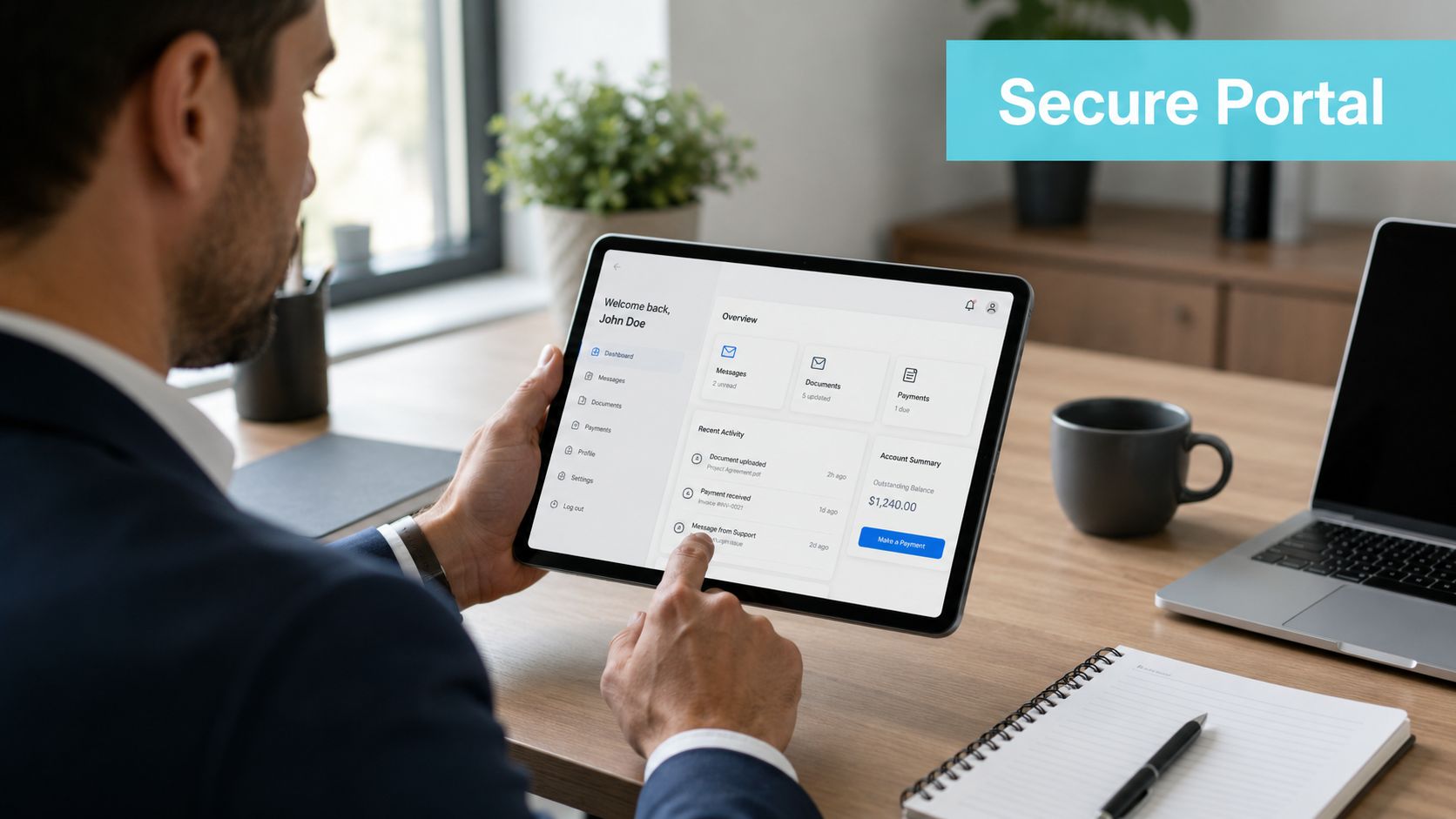
Why centralized communication changes the workload
When clients can check status, send messages, share files, and complete forms in one system, your staff stops doing the same administrative work across email, voicemail, and text. One legal-client-experience benchmark cited in industry commentary says firms can save 1,329 hours per year when communications and routine updates are centralized in a client portal, according to this client onboarding checklist reference.
That kind of time savings doesn't come from magic. It comes from removing low-value repetition.
A portal setup is usually strongest when it handles these tasks:
- Routine updates: so clients can check progress without calling
- Document or form reminders: so staff don't have to manually chase every missing item
- Single-thread messaging: so the latest answer lives in one place
- Appointment and task prompts: so predictable follow up happens on schedule
In firms using systems like Needles, Neos, LawBase, or Litify, the practical goal is to keep staff inside the case management workflow they already know. One example is secure client portal software, which is built so firms can let clients message the team, check status, upload files, and complete forms while staff continue working inside their existing case management system.
The real issue is the quiet phase
This is the part most articles miss. Clients don't only need communication when something big happens. They need orientation for the periods when nothing visible happens.
Plaintiff firms know this cycle well. Demand is out. Records are pending. The insurer hasn't responded. Treatment continues. Internally, the file may be moving normally. To the client, it feels like nothing is happening unless your onboarding already taught them how to interpret silence.
Use no-update updates intentionally. They should be short, plain, and predictable.
“There isn't a case event for you to act on today, but your matter is active and we're still waiting on the next outside step. We'll contact you when that changes, and you can still message us through the portal if something on your side changes first.”
That kind of message does two things. It lowers anxiety and it reminds the client that the absence of visible activity is not neglect.
Automation needs guardrails
Automation helps when it standardizes expected communication. It hurts when firms use it to sound robotic or to avoid judgment. Good automation sends reminders, confirms receipt, and supports status visibility. Human staff still need to handle nuance, frustration, and legal explanation.
If you're evaluating broader workflow support, it can help to compare legal-specific tools with adjacent resources on VIP TECH CONSULTING AI automation to think through where automation belongs and where it shouldn't.
The rule I give firms is simple. Automate the repeatable update. Don't automate empathy.
Managing Expectations Beyond the First 30 Days
A lot of onboarding advice is front loaded. It covers intake, signatures, kickoff, and portal setup, then stops. That leaves the hardest operational problem untouched. How do you keep clients calm and informed when the legal work is real but the visible progress is limited?
One client-experience report points to exactly that gap. Onboarding should explicitly cover communication expectations during quiet phases, and a key weakness in many programs is failing to manage client uncertainty after intake, especially in slow-moving matters where anxiety rises when there is no visible activity, as discussed in this client experience report on onboarding and quiet phases.
Assign responsibility before the case goes quiet
If nobody owns quiet-phase communication, it won't happen consistently. Your firm should decide in advance who sends routine updates, who answers portal messages, and when attorney involvement is required.
Here's a workable division of responsibility:
- Intake or onboarding staff: complete the initial setup and explain communication rules
- Case manager or paralegal: own routine updates, missing items, and first-line client questions
- Attorney: step in for strategy shifts, legal advice, or emotionally charged conversations
That structure prevents the common failure mode where clients call the attorney because nobody else has been clearly assigned to communicate.
Give clients a script for silence
Clients need language they can hold onto. Don't just tell them your firm communicates proactively. Tell them what that means in plain terms.
For example:
During some phases, there may not be a visible event every week. That doesn't mean your case has stalled. It usually means we're waiting on records, treatment progress, court timing, or another outside step. If there's no major change, you'll still hear from us through the normal update process we explained at the start.
That message belongs in onboarding, not months later after the third “just checking in” call.
What to measure after intake
This part is often overlooked. If your firm wants quiet-phase communication to stick, track whether it's happening and whether it's reducing friction.
Useful measures include:
| Measure | What it tells you |
|---|---|
| Unprompted status calls | Whether clients understand the update process |
| Portal message backlog | Whether the team is handling inbound communication on time |
| Missed routine updates | Whether your cadence is realistic |
| Escalations to attorneys | Whether communication ownership is clear |
Those aren't vanity metrics. They tell you whether your process is making clients feel informed or pushing them to chase answers.
Defining Staff Roles and Measuring Onboarding Success
A solid process still fails if ownership is fuzzy. In most firms, the root problem isn't effort. It's overlap. Two people think the other person sent the welcome message. Nobody owns conflict follow up. The attorney assumes intake covered communication expectations, and intake assumes the case team did.
That's why role clarity matters as much as technology.

Use the 30 day cadence to assign ownership
Benchmark-oriented onboarding guidance recommends a 30-day cadence with Day 1 to 3 for conflict clearance and retainer, Day 7 to 14 for kickoff, and Day 15 to 30 for first value delivery. The same guidance advises a 72-hour conflict-resolution SLA to avoid bottlenecks, according to these law firm onboarding best practices.
Map that cadence to people, not departments.
A practical structure looks like this:
- Initial intake specialist: captures information, screens for fit, and starts the file. If you're defining that role internally, this explanation of what an intake specialist is is a useful reference point.
- Conflict and engagement owner: makes sure clearance and retainer issuance don't drift
- Case manager or paralegal: handles kickoff, collects early missing items, and reinforces communication rules
- Lead attorney: confirms legal direction and delivers the first substantive value point when appropriate
Measure behavior, not just completion
Too many firms measure onboarding by asking whether the file opened. That's not enough. A file can be open and still poorly onboarded.
Track outcomes that reveal whether the system is working:
| Metric | Healthy signal |
|---|---|
| Time to engagement | The firm moves qualified matters forward without avoidable delay |
| Conflict resolution timing | Problems get surfaced and cleared quickly |
| Welcome completion | Clients finish required early steps without repeated chasing |
| Client satisfaction feedback | Early experience feels organized and clear |
| Referral trend over time | Clients leave the early phase with confidence in the firm |
Operational test: If a new staff member can't tell who owns each onboarding step within a minute, the workflow is still too loose.
Train to the handoff points
The handoff is where systems usually break. Intake finishes its part, but the case team doesn't pick up the communication history, client preferences, or unresolved tasks. Then the client has to repeat information.
Training should focus on those transfer moments. What gets handed off, where it lives, and who confirms completion. That matters more than another general lecture on customer service.
Migrating and Continuously Improving Your Program
If your current setup is paper heavy, email dependent, or split across too many staff habits, don't try to redesign everything at once. Start with one matter type, one standard workflow, and one ownership map. Get that working before you expand.
The smoothest migrations keep the early changes narrow. Standardize the intake form. Standardize the welcome sequence. Standardize the update rules during quiet phases. Once staff stop debating the basics, adoption gets easier.
Make the change usable for staff
People adopt new onboarding systems when the process removes friction from their day. They resist when it adds one more place to check or one more vague responsibility.
Focus training on practical benefits:
- Fewer status calls
- Less duplicate follow up
- Cleaner handoffs
- Clearer responsibility for each step
Build feedback into the operating rhythm
Ask two groups for input. Clients will tell you where the process feels unclear. Staff will tell you where the workflow breaks under real volume. Both matter.
Review feedback regularly and make small changes on purpose. Rewrite the welcome message if clients keep asking the same question. Adjust your cadence if routine updates aren't realistic. Tighten role ownership if handoffs are still messy.
A strong onboarding program is never frozen. It gets sharper as your firm learns where confusion starts and where trust gets built.
If your firm wants to reduce status calls, centralize communication, and make onboarding easier to run inside your existing workflow, CasePulse is built for that use case. It gives law firms a secure client portal for case status, messaging, file sharing, and forms while staff continue working inside systems like Needles, Neos, LawBase, and Litify.