
 CasePulse
 A partner forwards a case update to a client. A paralegal sends medical records to adjusters. Intake emails a fee agreement and asks for signatures. Every one of those messages probably ends the same way, with a dense paragraph declaring the contents confidential, privileged, and intended only for the named recipient.
Most firms add that footer once, then stop thinking about it.
That's understandable. The email confidentiality clause feels like standard legal hygiene. It signals professionalism, and it gives the sender the sense that the message is wrapped in a legal warning. But that feeling is where many firms get into trouble. The footer may say the right things while the workflow behind it is still fragile, easy to misaddress, and too dependent on staff getting every detail right every time.
For a managing partner, that gap matters. If your firm handles client medical information, settlement details, bank records, tax documents, litigation strategy, or privileged attorney communications, the critical question isn't whether your emails have a disclaimer. It's whether your communication process effectively reduces risk.
That Familiar Footer at the Bottom of Every Email
You know the one. It sits below the signature block in smaller type, often longer than the message itself. Most recipients skip it. Senders rarely revisit it. Yet it's attached to nearly every external email the firm sends.
In legal practice, that footer became a habit for good reasons. Firms want to show they treat client communications seriously. They want a standard notice on messages that may involve privileged or sensitive information. They also want a simple answer when someone asks, “Do we have a confidentiality notice on our emails?” The answer is usually yes.
The problem is that routine can hide a false sense of protection.
A lawyer can send a short email saying “attached are the client's records,” with the right footer, and still send it to the wrong John Smith. A case manager can reply all to the wrong thread. A client can forward a message from a shared family inbox. None of those failures gets fixed by text at the bottom of the message.
Most firms don't have a disclaimer problem. They have a workflow problem that the disclaimer is trying to cover.
That matters even more in plaintiff practice, where communication volume is high and the pressure to move quickly is constant. Intake teams, medical records teams, and pre lit staff are moving fast. When volume rises, habits become policy by default.
If your team is still treating standard inbox communication as the main client channel, it's worth revisiting how email works in law firm operations. The footer may still have a place, but it shouldn't be mistaken for real control.
The Legal Reality of Your Email Disclaimer
The hard truth is simple. An email confidentiality clause is generally a notice, not a binding contract term. Under U.S. contract principles, a sender can't unilaterally impose confidentiality obligations on a recipient just by adding footer language. Enforceable duties usually come from a separate contract, statute, or professional obligation, and the practical effect of the footer is mostly evidentiary and deterrent, as discussed in this analysis of email confidentiality disclaimers.

What the clause does not do
A lot of firms treat the footer as if it creates obligations by sheer repetition. It doesn't.
Here's the simplest analogy. If I walk up to a stranger, hand them a piece of paper, and declare they're now bound by my confidentiality rules, that doesn't create a contract. Email works the same way. Sending the terms after the fact, in a footer the recipient didn't negotiate or accept, usually won't do the legal work many lawyers assume it does.
A standard footer also doesn't reliably do these things:
- Create a new duty out of nowhere. If the recipient had no preexisting confidentiality obligation, the footer alone usually won't create one.
- Undo a misdirected message. Once the email goes to the wrong person, the warning doesn't pull it back.
- Guarantee privilege stays intact. Privilege analysis depends on much more than a footer.
- Force deletion or return. The clause can ask. It usually can't compel.
What the clause can still help with
That doesn't mean the clause is useless. It means its value is narrower than many firms think.
It can help show that the firm routinely marks communications as confidential. It can signal the sender's intent. It may support an argument that the firm uses reasonable handling procedures. In practice, it can also deter some accidental misuse by a recipient who sees the notice and does the right thing.
Practical rule: Keep the footer in its proper lane. It's a notice that supports your process, not a substitute for your process.
For regulated communications, this distinction gets even more important. If your lawyers or staff handle protected health information, you need controls that match the risk, not just language that sounds protective. A useful starting point is this guide to HIPAA email rules, which helps frame where ordinary email practices become a compliance problem.
A managing partner should also view the disclaimer in the broader context of law firm security operations. Email is only one part of the exposure surface. Access, verification, staff training, and transmission methods matter more than the footer. That is why firms reviewing their cybersecurity posture for legal practice often find the disclaimer is one of the least important controls in the stack.
How to Draft a Better Disclaimer for Your Law Firm
If your footer won't create a contract, the right move isn't to abandon it. The right move is to make it shorter, clearer, and more useful.
Most law firm disclaimers fail because they try to sound all-encompassing. They become bloated with legal jargon, virus warnings, privilege language, liability language, and generic corporate text no one reads. A better disclaimer respects the reader's attention and focuses on the few points that matter.

What to include
A useful email confidentiality clause for a law firm usually needs three things.
- A clear notice of confidentiality. State that the email may contain confidential or privileged information.
- Instructions for unintended recipients. Ask the recipient to notify the sender and delete the message if received in error.
- A plain privilege warning. If privilege may apply, say so without turning the whole footer into a lecture.
What matters most is clarity. The footer should be readable in seconds.
What to leave out
Long disclaimers often become background noise. That defeats the point.
Cut the material that rarely helps, especially when it appears in every email regardless of context. Examples include sprawling liability disclaimers, outdated virus language, and broad statements that overclaim legal effect. If the message is about scheduling a deposition, a massive footer doesn't add value. It just trains recipients to ignore the block of text on your emails.
Here is a practical comparison.
| Approach | Result |
|---|---|
| Dense, multi paragraph footer | Often ignored and hard to defend as a meaningful notice |
| Short, direct confidentiality notice | More likely to be read and more useful as evidence of routine handling |
| Matter specific wording for sensitive teams | Better fit for practice groups handling privileged or regulated content |
A workable base version
This is the kind of language I'd suggest for a general firm wide footer:
This email and any attachments may contain confidential or attorney client privileged information and are intended only for the named recipient. If you received this message in error, please notify the sender and delete the message and any attachments. Unauthorized review, use, or disclosure is not intended.
That does not overpromise. It states the nature of the communication, identifies the intended audience, and gives a clear instruction if the message was misdirected.
When to customize it
Different teams inside the same firm may need different footer language.
- Litigation teams may want a tighter privilege reference.
- Intake and case management may want language that fits frequent client file exchange.
- Teams handling medical or financial data may want wording that aligns with the firm's internal handling policies.
The key is restraint. Don't turn every footer into a risk memo. Keep the default short, and then use stronger process controls when the communication itself is sensitive.
When to Use a Disclaimer and When to Rethink Email Entirely
A disclaimer makes the most sense when the email itself is relatively ordinary and the risk is manageable. That includes routine scheduling, status updates that don't expose sensitive details, and logistical communication where speed matters more than document control.
It becomes much less meaningful when the message carries material that would create serious exposure if sent to the wrong person.
A simple way to judge the risk
For regulated or high sensitivity communications, the clause should be treated as one layer on top of technical safeguards, not a substitute for them. Guidance on professional email use recommends pairing confidentiality notices with controls such as access restriction, encryption, and recipient verification, because disclaimers can't guarantee security, as outlined in this overview of email disclaimer practices.
That gives you a practical rule set:
- Low sensitivity. A standard email plus a concise disclaimer is usually fine.
- Moderate sensitivity. Slow the process down. Verify recipients, confirm attachments, and avoid forwarding old threads blindly.
- High sensitivity. Stop relying on ordinary email as the primary delivery method.
Messages that should trigger a second thought
Some categories deserve extra caution immediately.
- Medical records and treatment updates. These carry privacy and compliance risk.
- Bank details, tax IDs, or settlement disbursement information. One wrong recipient can create a serious problem.
- Privileged strategy discussions. The issue isn't only confidentiality. It's control over who can access the exchange.
- Signed forms and supporting documents from clients. Shared family inboxes and forwarded chains create avoidable exposure.
If the consequence of one wrong click is severe, the email confidentiality clause is only a label on the package. It isn't the lock.
For a managing partner, policy takes precedence over template drafting. Staff need a clear standard for when regular email is acceptable and when the firm should move the exchange into a more controlled environment.
Secure Alternatives for Modern Client Communication
The most effective response to the limits of email disclaimers isn't writing a fiercer footer. It's reducing the number of risky exchanges that happen in open email threads in the first place.
That matters because the main weakness in legal email is usually human error. The 2024 Verizon Data Breach Investigations Report says 68% of breaches involved the human element, which is a strong reminder that error prone workflows need stronger controls, especially in legal services handling sensitive client information, as noted in the cited discussion referencing the Verizon report.
Why a client portal changes the risk profile
A secure client portal addresses the exact problems the footer only warns about.
Instead of sending sensitive files into an inbox and hoping the recipient list is correct, the firm gives the client a controlled place to log in, view updates, exchange messages, upload documents, and complete forms. That changes the communication model from “send and hope” to “control access first.”
The practical benefits are straightforward:
- Fewer misaddressed disclosures. Staff aren't manually typing external email addresses for every sensitive exchange.
- Better access control. The firm can limit what a client sees and where documents live.
- Cleaner communication history. Important updates stay in one place instead of scattering across inboxes.
- Less staff chasing. Clients can check status, respond to reminders, and complete routine actions without another email thread.
What this looks like in practice
For plaintiff firms, the strongest use case is often client status communication and document exchange. Clients want updates. Staff want fewer phone calls. Lawyers want fewer opportunities for sensitive material to land in the wrong inbox.
A portal solves more than security. It also reduces friction. Clients can check status on their own time, send messages through the portal, upload requested items, and complete fillable forms from a phone or laptop. Staff stay inside the workflow they already use rather than managing another overloaded inbox.
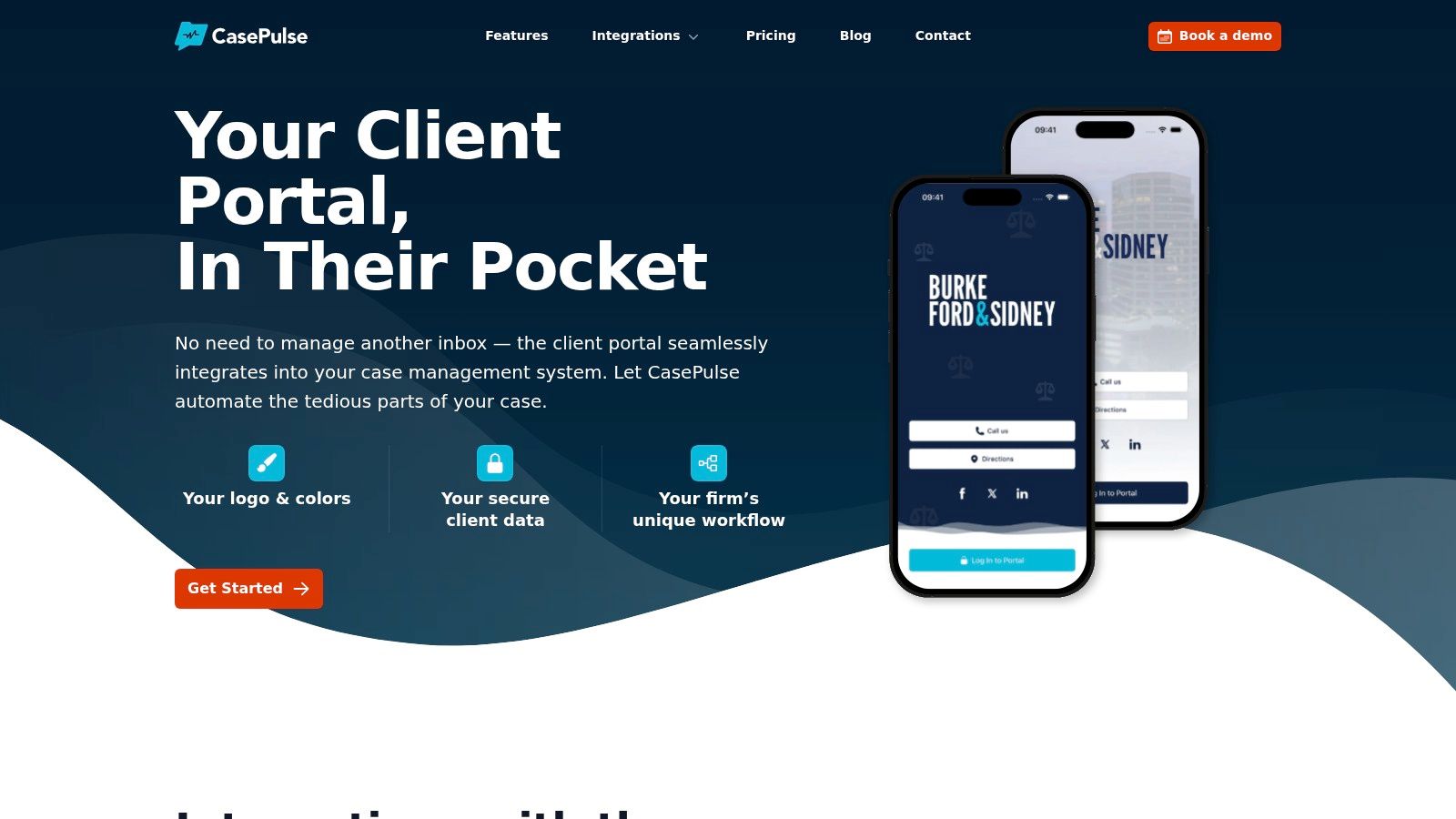
One example is secure file sharing with clients, where the exchange happens in a controlled client environment rather than as an email attachment chain. In that category, CasePulse provides a secure client portal built for law firms, with client messaging, file sharing, forms, automated reminders, and integration into systems such as Needles, Neos, LawBase, and Litify.
The broader security layer
A portal won't replace every security measure. Firms still need training, recipient discipline, and monitoring for account compromise. Email compromise remains a live risk, which is why some firms also review tools like GoSafe dark web monitoring as part of a broader business email compromise response plan.
Still, the strategic point is simple. If your current process depends on every staff member sending every message perfectly, every time, then your process is too fragile for modern client communication.
Implementing Your Firm's Modern Communication Strategy
The firms that handle this well don't treat the email confidentiality clause as meaningless. They treat it as minor. That's the right mindset.
A modern communication strategy is layered. The footer stays. Staff get trained on when email is acceptable and when it isn't. Sensitive exchanges move into controlled systems. Recipient verification becomes routine. Client communication stops depending on long inbox chains and repeated forwarding.
What managing partners should review first
Start with policy, not software.
Ask questions that expose where risk sits:
- Which teams send the most sensitive material by ordinary email
- Which client interactions generate the most follow up calls and repeated attachments
- Where does staff manually re send files, forms, or status updates over and over
- What happens today when an email goes to the wrong person
Those answers usually tell you whether the issue is isolated or systemic.
The firms that move faster usually simplify
The most practical improvements are often operational, not theoretical.
- Shorten the disclaimer so it works as a real notice.
- Create a simple communication matrix that tells staff what belongs in email and what belongs elsewhere.
- Standardize client update channels so the team isn't inventing process on the fly.
- Reduce inbox dependency for files, forms, and repetitive status requests.
The competitive advantage isn't the disclaimer. It's a client communication system that creates fewer chances for mistakes.
That's the shift many firms need. Not more footer language. Better communication design.
If your firm is trying to reduce inbox risk, cut down on status calls, and give clients a more controlled way to exchange messages, files, and forms, CasePulse is worth evaluating. It gives law firms a secure client portal that works with existing case management workflows, so teams can modernize communication without asking staff to live in another inbox.