
 CasePulse
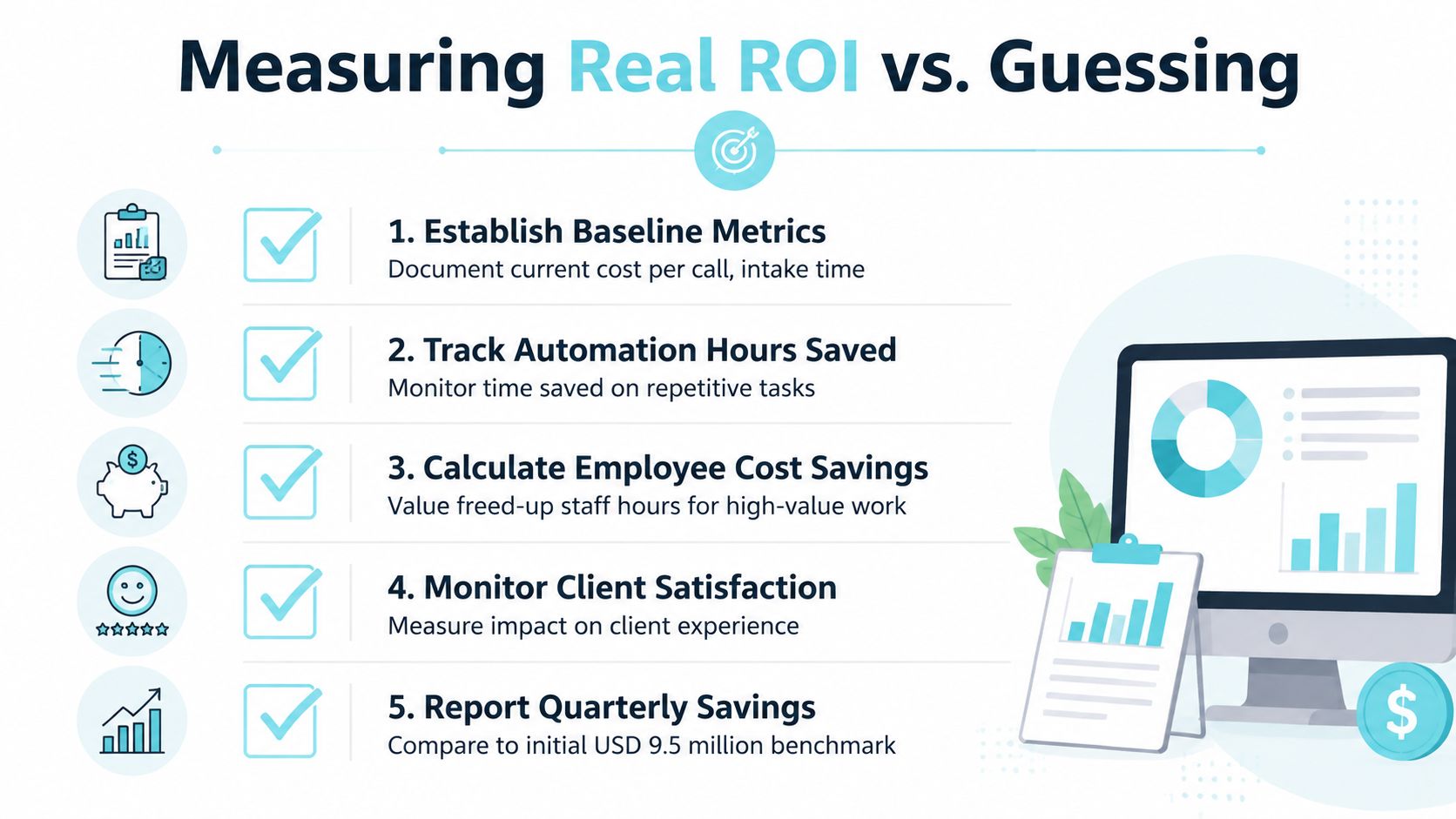
Consolidating automation onto a single platform can produce an estimated USD 9.5 million in savings, with a 248% three-year ROI and a payback period of less than six months. For law firms, the practical path to lower operational costs is to remove repetitive manual work from client communication, intake, document requests, and follow-up workflows before cutting staff or service capacity.
The most profitable firms I've worked with didn't begin by reducing headcount or renegotiating every vendor contract. They began by finding the tasks that consumed staff time without advancing a case. A status call, a repeated request for the same medical record, or a missing intake field may look harmless in isolation. Across a plaintiff practice, those interruptions create duplicated work, delayed handoffs, and administrative capacity that never becomes billable or client-facing.
A firm using Needles, Neos, LawBase, or Litify already has a strong operational foundation. The immediate opportunity is to make the existing workflow easier for clients to use and easier for staff to measure. That means redesigning the points where information enters the firm, giving clients a reliable self-service channel, and tracking the labor and error costs attached to every recurring task.
Where Law Firms Really Bleed Money
Plaintiff firms usually lose operating capacity in five places: inbound status calls, unscheduled document requests, intake form churn, manual reminders, and duplicate data entry. These costs rarely appear as separate line items. They sit inside payroll, email volume, calendar work, and rework.
The practical test is simple: does the task require legal judgment? If it does not, configure it for standardization, routing, or measurement before adding administrative capacity. Needles, Neos, LawBase, and Litify already hold much of the information required. The immediate savings come from improving how information enters the system, how clients receive updates, and how staff can see unfinished work.
A status call may ask whether records arrived, whether a demand was sent, or what happens next. Each interruption takes a case manager away from active work and usually creates a note or follow-up task. A client portal connected to the firm's existing case-management workflow can handle routine updates while preserving staff attention for issues that need judgment.
Document collection creates a second leak. Staff send one-off emails, search for missing files, review unclear photographs, and request the same material again when an attachment or form is incomplete. Structured requests with confirmations and reminders reduce that cycle, but only if the workflow records what was requested, received, rejected, and still outstanding.
Intake produces similar rework. Paralegals chase blank fields, clarify inconsistent answers, and re-enter names, dates, and contact details between email, forms, spreadsheets, and the core platform. Redesigning the intake path around required fields and direct case-system entry removes handoffs before they become cleanup work.
Practical rule: Reduce the number of times a person touches the same information before reducing the number of people handling the work.
A firm should also separate workflow savings from employment-structure decisions. Teams reviewing staffing models can compare PEO options for law firms, while measuring client communication, intake, and document workflows on their own. The goal is to identify which recurring tasks consume time, then fix the process in the firm's existing platform before buying another tool or cutting service capacity.
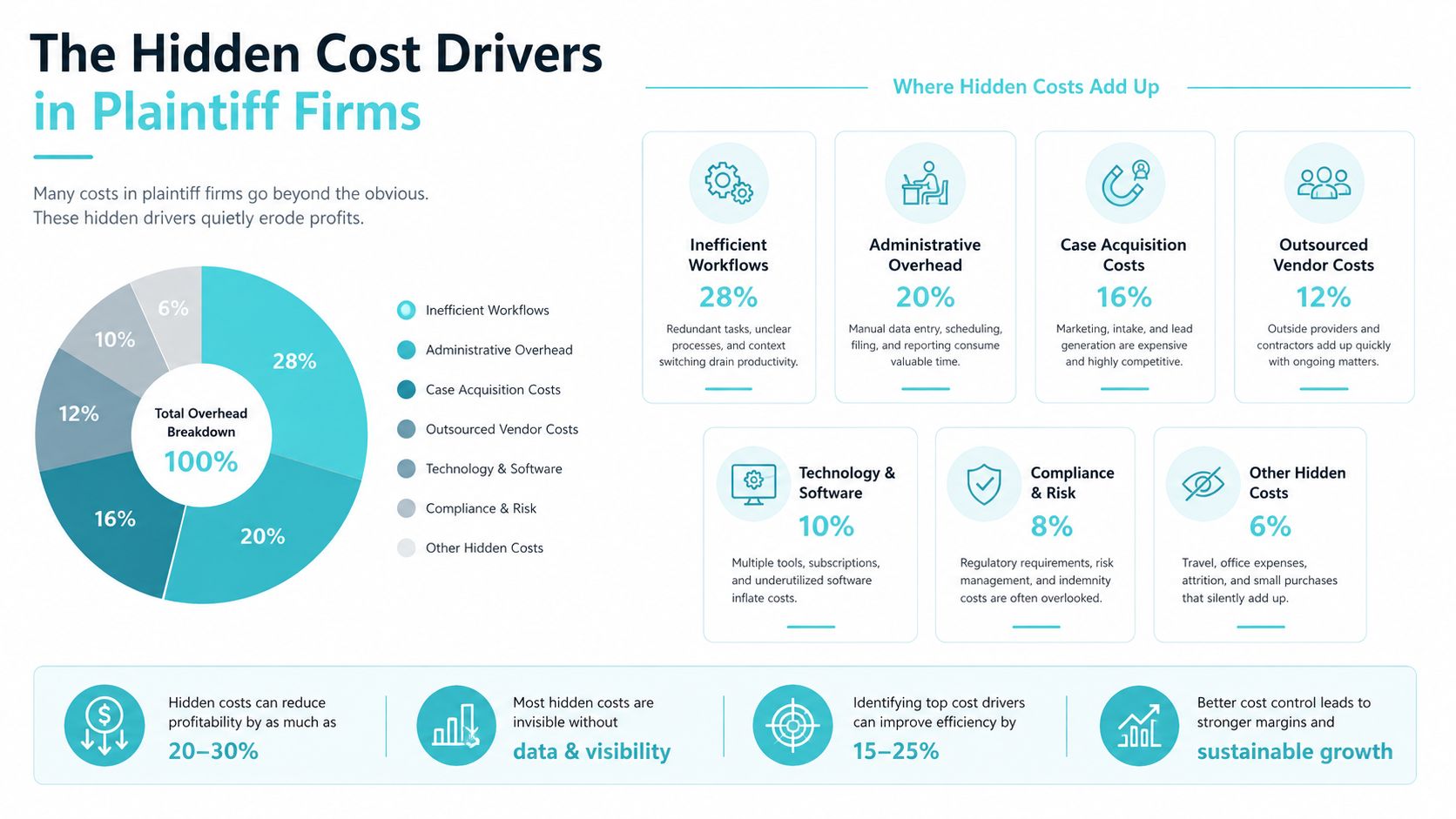
The Hidden Cost Drivers in Plaintiff Firms
Plaintiff firms face a communication burden that generic cost-cutting advice often misses. Moneypenny research reported that calls to law firms increased by 26% over five years, while 35% of calls to legal firms result in a new business inquiry. The cited legal-industry report highlights the trade-off. Every inbound call deserves a routing decision because some are valuable intake opportunities.
Firms can protect that intake capacity by separating prospective-client screening from routine case servicing. A new caller describing an injury needs prompt attention. A current client checking a case milestone can often receive the answer through a portal, an automated notification, or a structured request path. Clear routing rules keep both workflows moving without forcing staff to treat every call alike.
What the leaks look like at desk level
Status calls are visible, but document re-requests often create more downstream work. A client may email a form, send an unclear photograph, and resend the same material after staff request a better copy. The firm pays for each review, reply, download, renaming, and filing step.
Intake friction produces another layer of rework. Missing information delays screening and sends paralegals between email, forms, spreadsheets, and the case-management platform while they chase answers. Manual handoffs also obscure the source of a delay, whether the client, intake team, or approval process caused it.
| Task | Estimated Monthly Hours | Loaded Cost Range |
|---|---|---|
| Status-inquiry handling | 25 to 35 | $625 to $1,050 |
| Document follow-up | Qualitative baseline required | Firm-specific |
| Intake clarification | Qualitative baseline required | Firm-specific |
| Duplicate data entry | Qualitative baseline required | Firm-specific |
A 2025 benchmark on customer-status notifications found that automated updates reduced support-call volume by about 55% to 65%, with some organizations reaching 70% or higher. For operations handling 500 service appointments per month, the benchmark estimated roughly 300 to 400 fewer status-inquiry calls, freeing 25 to 35 support hours monthly. At a loaded support cost of $25 to $30 per hour, that represents approximately $625 to $1,050 in monthly labor savings, or $7,500 to $12,600 annually. The workflow automation benchmark cautions that call reduction can overstate savings when manual follow-up and exception handling remain.
For firms using Needles, Neos, LawBase, or Litify, the first measurement should be workflow-level: calls, duplicate entries, unresolved requests, and staff time per completed task. That baseline shows which changes can be automated inside the existing case-management process before the firm adds another system.
Automating Client Communication Without Leaving Your Case Management System
For firms using Needles, Neos, LawBase, or Litify, a client portal can reduce routine calls without creating another staff inbox. CasePulse is a secure portal for law firms that integrates with those case-management systems. Clients can check case status, message the team, share files, and complete fillable forms from any device. Staff continue working through the firm's established workflow.
The operating model is practical. A routine question becomes a self-service status view. A document request becomes a form or file exchange with a defined submission path. A reminder becomes an automated follow-up instead of a calendar task someone must remember to send.
Configure the workflow around client questions
Begin with the questions that consume repetitive staff time. In a plaintiff practice, these may include whether records arrived, whether a case reached a milestone, which documents remain outstanding, and how a client should submit an updated file.
Use the existing case-management record as the status source, connect reminders to the relevant workflow, and direct clients to the portal for requests that follow a defined process. Configure the portal to handle transactions while routing judgment-based requests to a person. Staff should retain responsibility for decisions, exceptions, and conversations that require legal or factual review.
Set an internal rule for exceptions before inviting clients to use the portal. A report of a new injury, a disputed fact, or a request for legal advice should move to a staff member. A document upload or routine milestone check can remain in the portal workflow.
Review CasePulse's case-management workflow and integration options before configuring fields, notification rules, and file workflows. Confirm which status fields clients can see, who owns escalations, and where incomplete submissions are returned for correction.
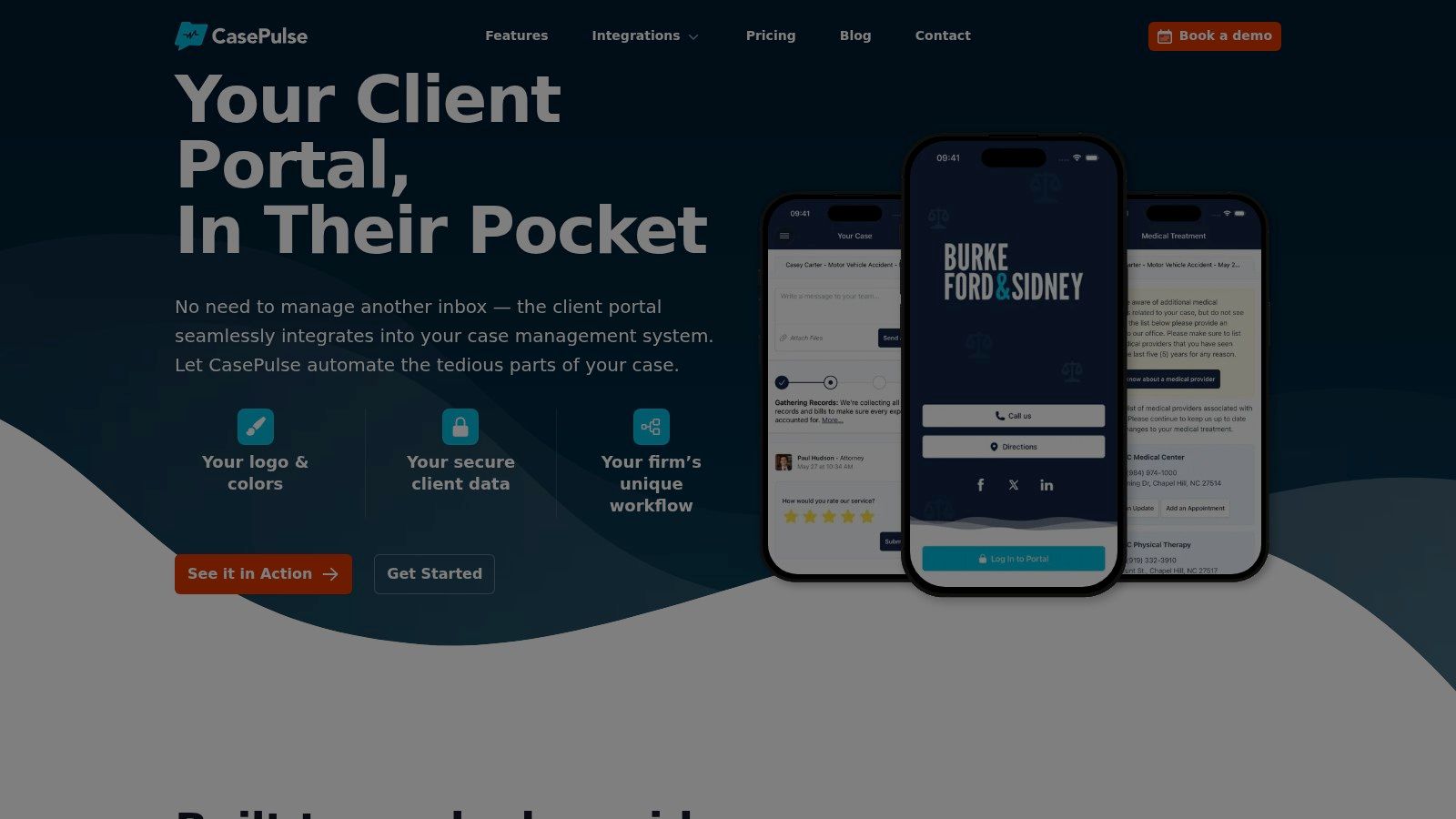
CasePulse says firms can begin inviting clients in about a week. Its pricing scales by firm size and includes unlimited cases, messages, files, forms, and support on a month-to-month basis without long-term contracts. Those terms can reduce procurement friction. Savings still depend on consistent adoption. If paralegals keep answering routine questions through scattered email threads, the firm will leave much of the available reduction untouched. Track portal usage, unresolved requests, and staff handling time during the first rollout period.
Redesigning Intake and Request Workflows
Automation works best after the firm has removed unnecessary handoffs. A broken process doesn't become efficient because software is added to it. If intake fields are inconsistent, approvals are unclear, or staff keep copies in email and spreadsheets, automation moves the confusion faster.
A 2025 legal-services workflow automation benchmark reported 40% to 60% reductions in administrative overhead and 52 or more hours recovered per case for billable work. It also reported payback periods of roughly two to five months for small firms, two to four months for mid-size firms, and two to three months for large firms, with first-year ROI ranges of 243% to 557% for small firms and 344% to 627% for mid-size firms. The legal and professional-services automation benchmark presents those outcomes as dependent on process redesign, instrumentation, and adoption.
Build one path for each recurring request
For new matters, use one structured intake form with required fields that match the firm's screening and opening process. Route the completed form into the existing case-management workflow, then assign ownership for review. This prevents a paralegal from repeatedly asking for information that the firm could have required at the point of entry.
For client documents, create a defined request with a persistent submission path. The client should know what to provide, where to provide it, and what confirmation to expect. An automatic confirmation closes a common loop, because staff don't need to answer a second message solely to confirm receipt.
For status inquiries, establish a default route to the client portal. Staff should explain that routine milestones and messages are available there, while urgent or judgment-based issues receive direct handling. The rule needs to be consistent across offices and case teams.
Implementation warning: Never automate a handoff until someone can identify the owner, the required information, and the exception path.
A lightweight team task management tool can help managers make unresolved exceptions visible during rollout. For a more detailed intake sequence, firms can review the client intake process. The essential sequence remains the same: map the work, remove redundant steps, automate the repeatable portion, and monitor exceptions after launch.
| Firm Size | Payback Period | First-Year ROI Range |
|---|---|---|
| Small firms | Two to five months | 243% to 557% |
| Mid-size firms | Two to four months | 344% to 627% |
| Large firms | Two to three months | Not specified in benchmark |
Measuring Real ROI Instead of Guessing
A managing partner should approve automation only after the firm records the workload it intends to change. Before altering client communication in Needles, Neos, LawBase, or Litify, establish a baseline for inbound status calls, manual document follow-ups, and the time required to prepare each response. Capture the figures by case team when possible, because an office-wide average can hide a workflow that is driving avoidable cost.
Automation savings usually come from recovered staff capacity, fewer handoffs, and less duplicate entry. They do not require eliminating positions. The practical question is whether staff can spend that recovered time on higher-value case work, intake, or exception handling.
Use a before-and-after scorecard
Measure the same activities before and after launch. A useful scorecard includes:
- Call volume: Separate routine status inquiries from prospective-client calls and urgent matters.
- Follow-up workload: Count manual document requests, reminders, and re-requests.
- Handling time: Record staff time for a status update or document transaction.
- Exception rate: Track requests automation could not complete because information was missing or inconsistent.
- Client experience: Review satisfaction feedback and response quality beside cost measures.
Process mapping provides a baseline for redesign. The process-improvement statistics roundup reports that 75% of companies reported cost savings above 10% after process mapping and improvement, while Lean implementations typically reduced operational costs by 20% to 30% within the first two years. Treat those figures as context, not a promise. A plaintiff firm should validate its own result against its starting workload, adoption rate, and exception volume.
For the financial view, use categories from examples of operating expenses to build a legal-service operating dashboard. Separate direct software costs from staff capacity recovered, overtime avoided, and work redirected from routine requests. Review the dashboard weekly during rollout, then monthly once the workflow stabilizes.
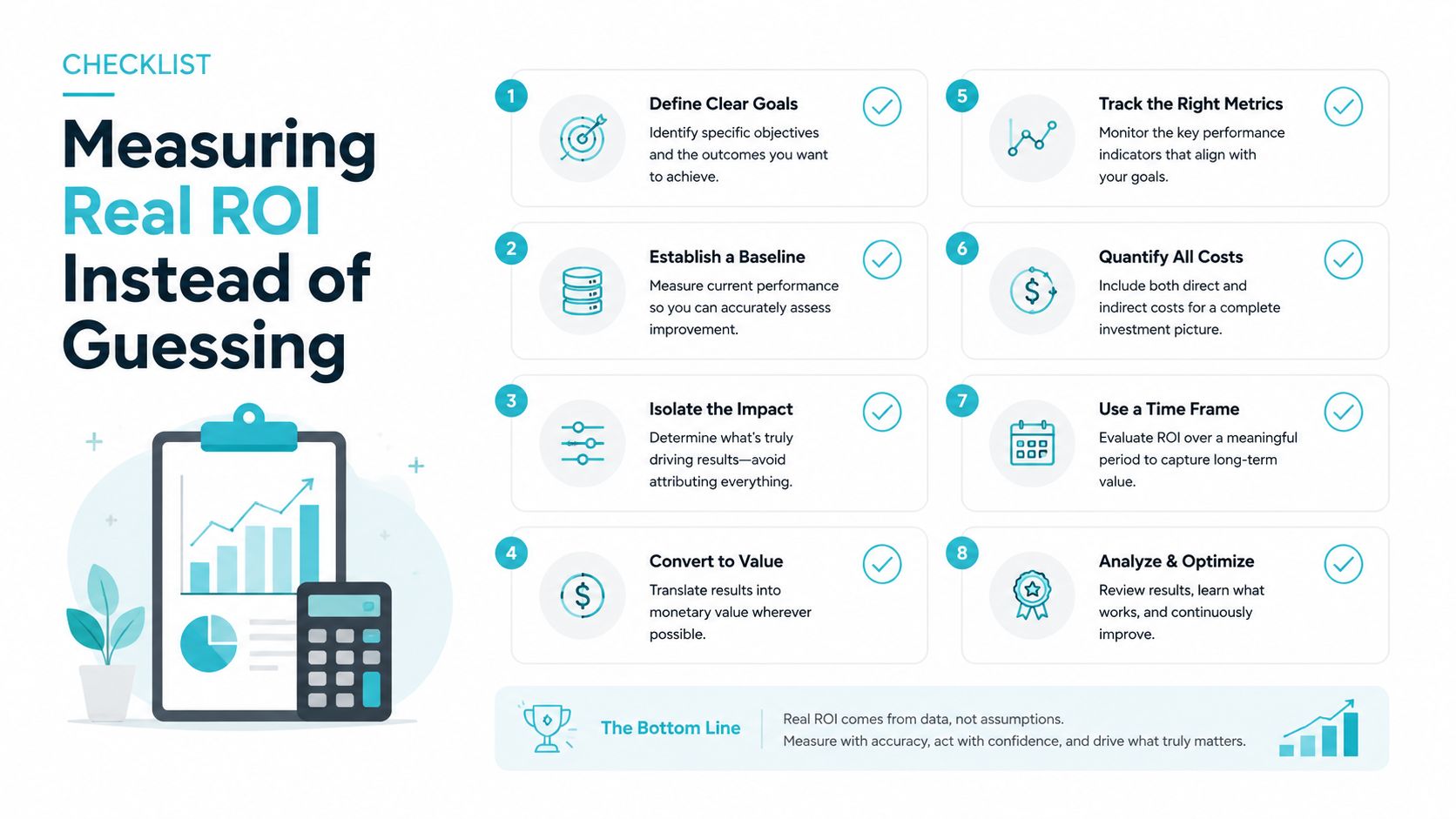
The common measurement error is counting a deflected call as a saving without checking what happened afterward. If staff still re-enter information, chase missing documents, or resolve exceptions in another system, the firm has shifted the work. Keep the law-firm metrics that support measurable improvement visible after launch, not only when the business case is being approved.
Phased Implementation for Mid-Size Firms
A mid-size plaintiff firm shouldn't attempt to automate every case type at once. The safest rollout starts with a narrow client group and a workflow that repeats often enough to produce a meaningful baseline. That approach limits disruption and gives staff a chance to learn the new process while daily casework continues.
Week one
Configure the portal within the firm's existing case-management workflow. Select an initial group of active clients whose matters have routine status or document needs, then invite them with clear instructions. Assign one administrator and one experienced case team member to handle questions, review exceptions, and record adoption issues.
The first week isn't the time to redesign every form. It's the time to confirm that status information appears correctly, messages reach the right team, and file exchanges follow the intended path. A short daily review prevents small configuration problems from becoming staff workarounds.
Week two
Deploy fillable intake and document forms through the portal. Begin with the forms that generate the most clarification emails or incomplete submissions. Make required fields meaningful, remove unnecessary questions, and give clients a clear confirmation after submission.
CasePulse launched in 2017 after delivering custom portals to firms across the country, and its model combines established portal practices with integrations, links to external tools, and document workflows. The platform includes unlimited cases, messages, files, forms, and support on a month-to-month basis with no long-term contracts, according to the publisher's product information.
Month two
Automate routine status notifications and replace manual follow-up calendars where the workflow is stable. Don't automate every exception. Keep human review for sensitive communications, unusual client circumstances, and decisions that require legal or case-specific judgment.
Month three
Measure call volume, document turnaround, recovered staff hours, and exception rates. Compare the results with the baseline, then decide whether to expand to additional case types or refine the original workflow.
Change-management rule: Give each team one owner, one documented process, and one place to report exceptions.
A US-based support team can provide hands-on assistance during adoption, but internal ownership still matters. Staff need to understand which work moves to the portal, which work stays in the case-management system, and when a human should intervene.
What Savings Look Like After Nine Months
A nine-month rollout should leave the firm with an operating record that partners can audit. Compare the baseline from week one with results after the client portal, intake forms, and automated reminders have run through enough cases to expose exceptions. The useful question is whether routine status work declined while intake staff remained available for new matters.
For firms using Needles, Neos, LawBase, or Litify, the comparison should follow the work inside the existing case-management process. Track how many client requests arrived through the portal, how many still required staff intervention, and how long it took to move files, forms, and status updates from submission to completion. Review each month rather than waiting until the end, because a workflow that saves time in one case type may create extra review work in another.
The nine-month review should give the managing partner four clear views:
- Capacity recovered: Hours released from routine calls, reminders, document chasing, and duplicate entry.
- Labor value: Those hours converted using the firm's fully loaded labor cost.
- Service quality: Client feedback, response consistency, turnaround time, and unresolved exceptions.
- Commercial protection: Intake calls preserved for prospective clients instead of being absorbed by routine servicing.
A useful comparison has three columns: the original baseline, the result after the first workflow went live, and the nine-month position after refinement. Include portal adoption, incomplete submissions, manual follow-ups, exception volume, and staff hours by case type. If adoption stalled, identify the cause. Confusing forms, unclear ownership, and alerts that generated too much noise often slow savings more than the software itself.
The result should support a specific decision. Keep a workflow unchanged when it reduces manual work without increasing exceptions. Revise it when staff still re-enter data or clients continue using calls for routine updates. Pause expansion when unresolved exceptions rise faster than the team can review them.
The benchmark's workflow analysis supports counting follow-up and exception work before calling reduced call volume a net saving. That discipline matters here. A portal that deflects requests but creates a new review queue has shifted cost, not removed it.
CasePulse provides a secure client portal for firms using Needles, Neos, LawBase, or Litify, with case-status access, messaging, file sharing, fillable forms, and automated routine follow-ups while staff remain in their existing workflow. Visit CasePulse to review the integrations and decide whether a focused client-communication rollout fits your firm's cost-reduction plan.